Multistreaming platform
Multistream once. Reach every audience.
Stream live to YouTube, Facebook, TikTok, Twitch, Instagram, LinkedIn and more from one Stream24 broadcast.
Free plan · No credit card

 Stream24
Relays it everywhere
Stream24
Relays it everywhere
- YouTube
- TikTok
- Twitch
- +7 more
Features
Every way to go live.
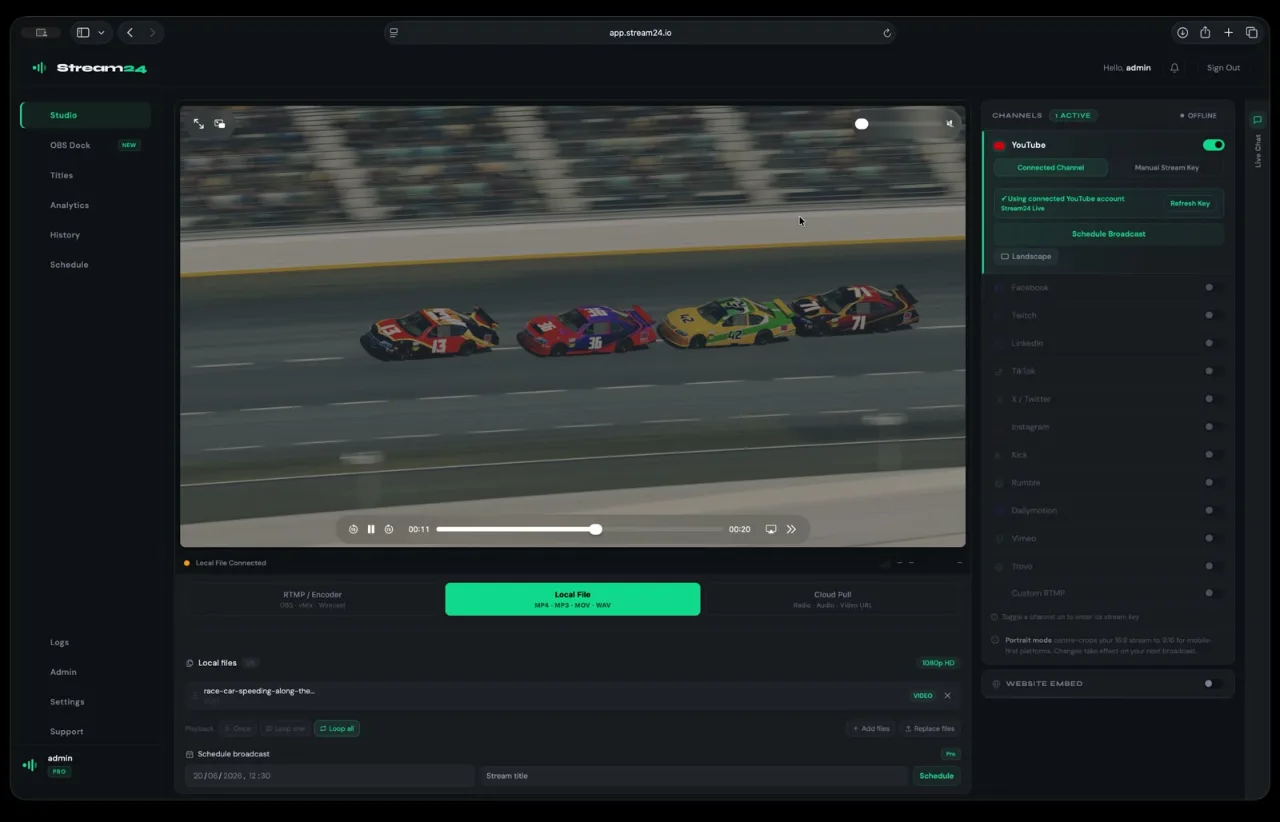
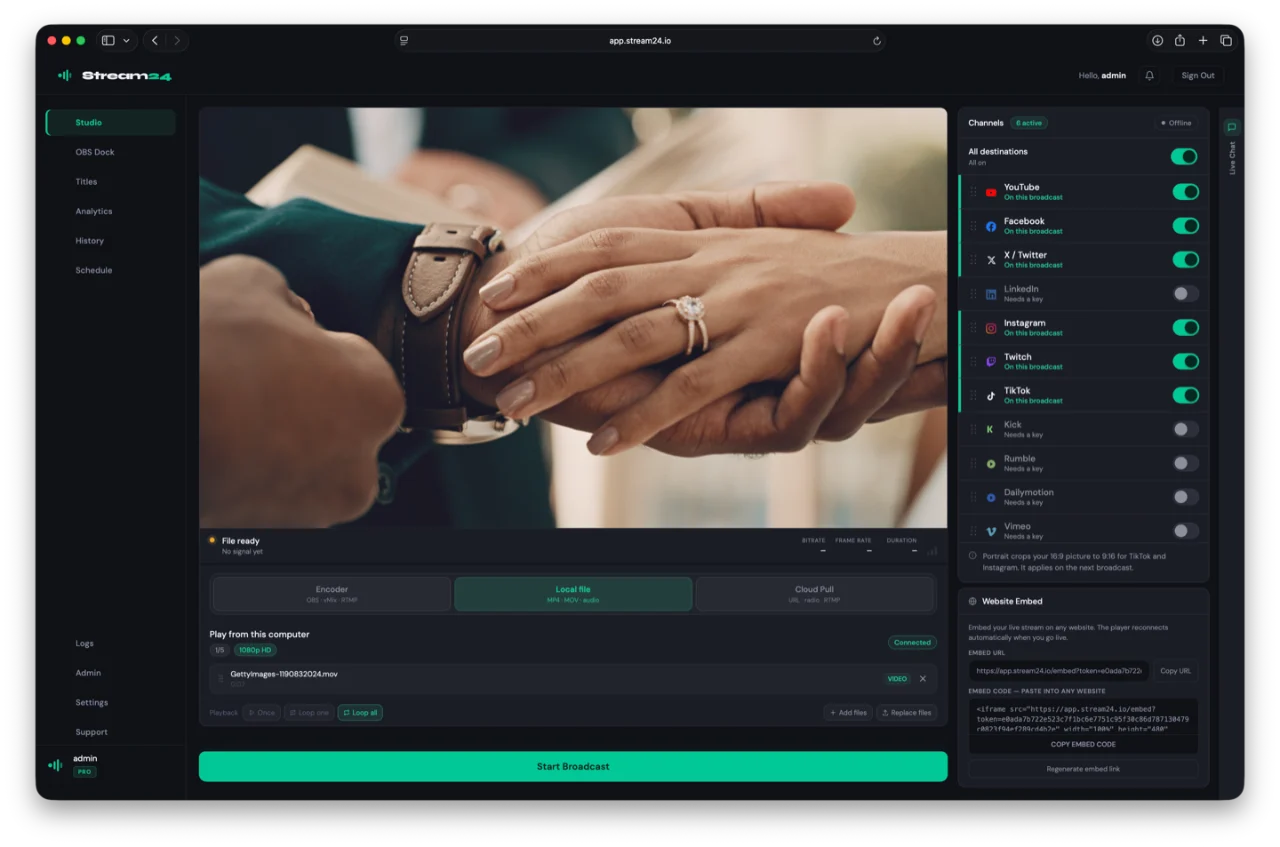
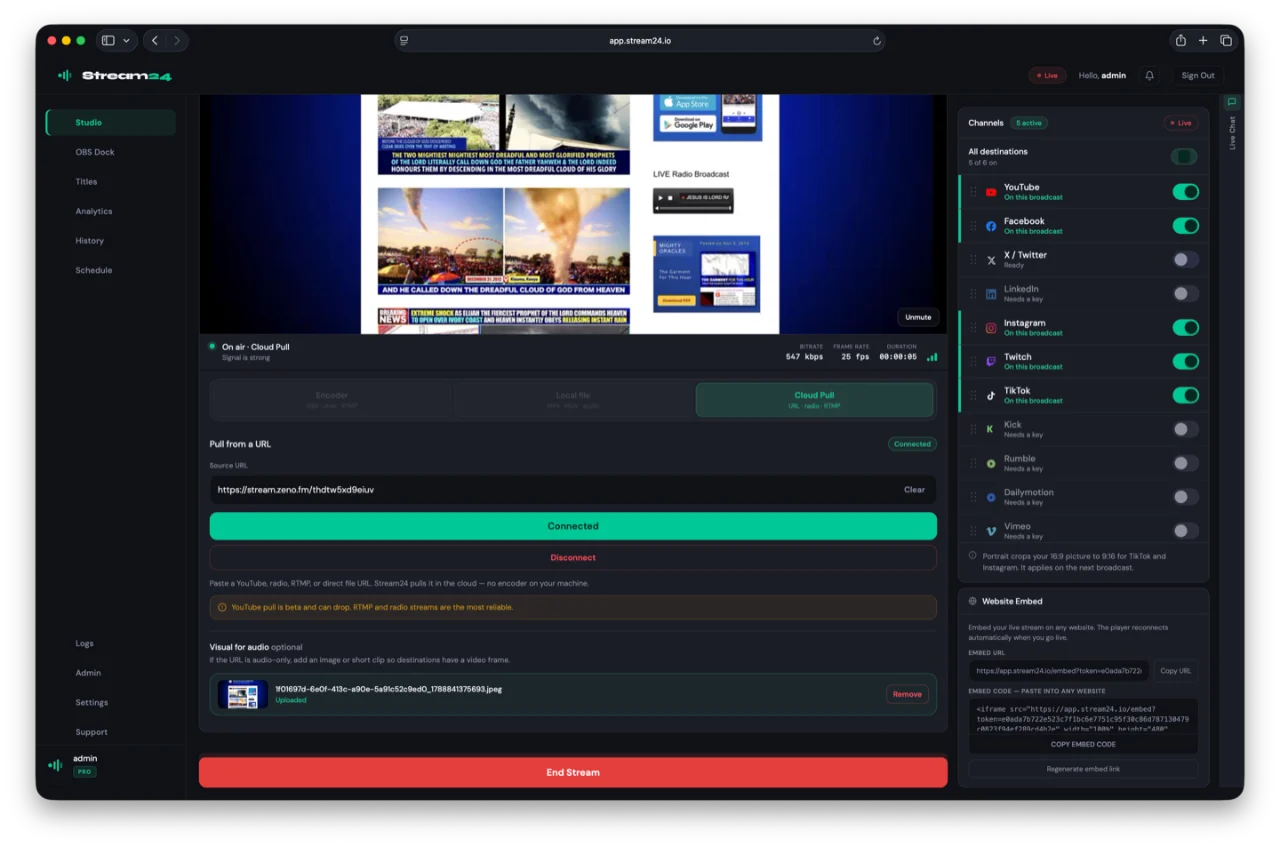
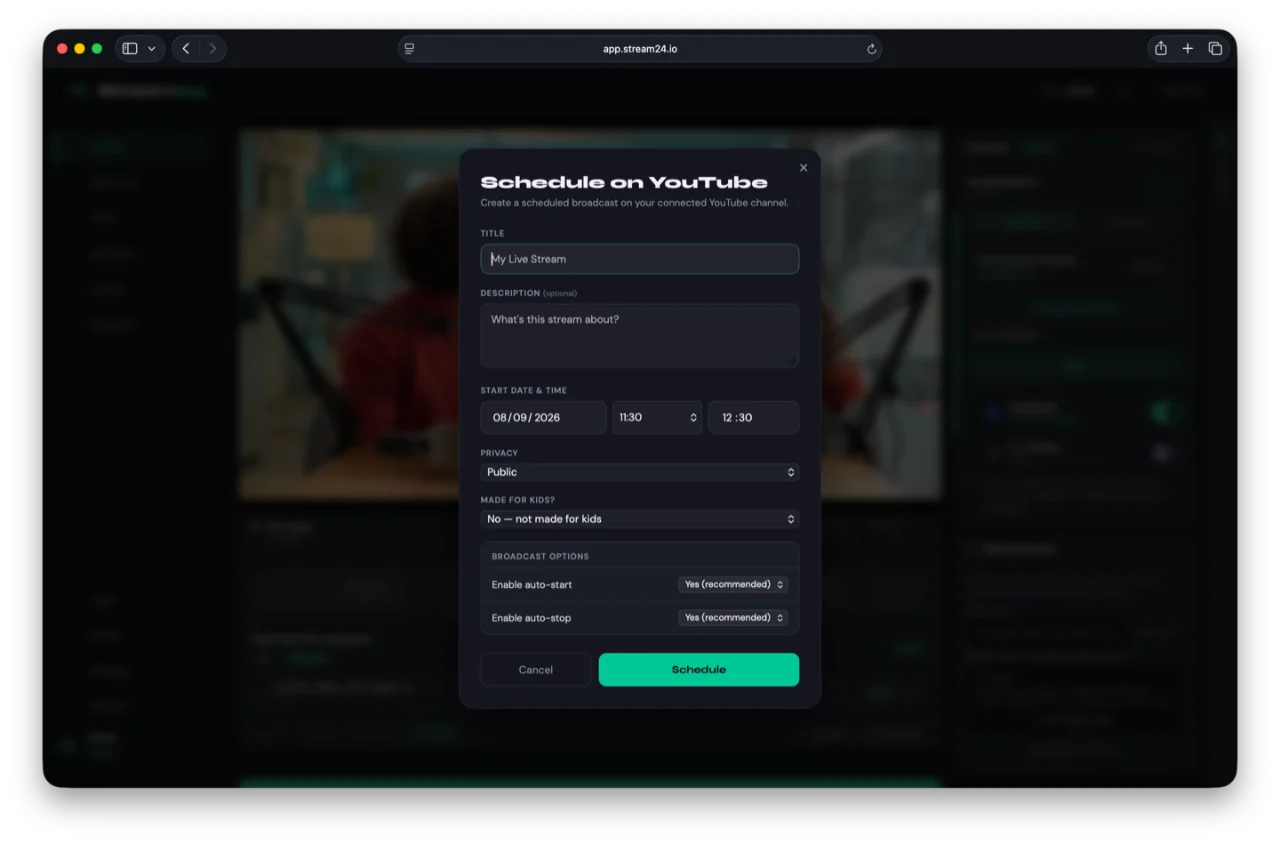
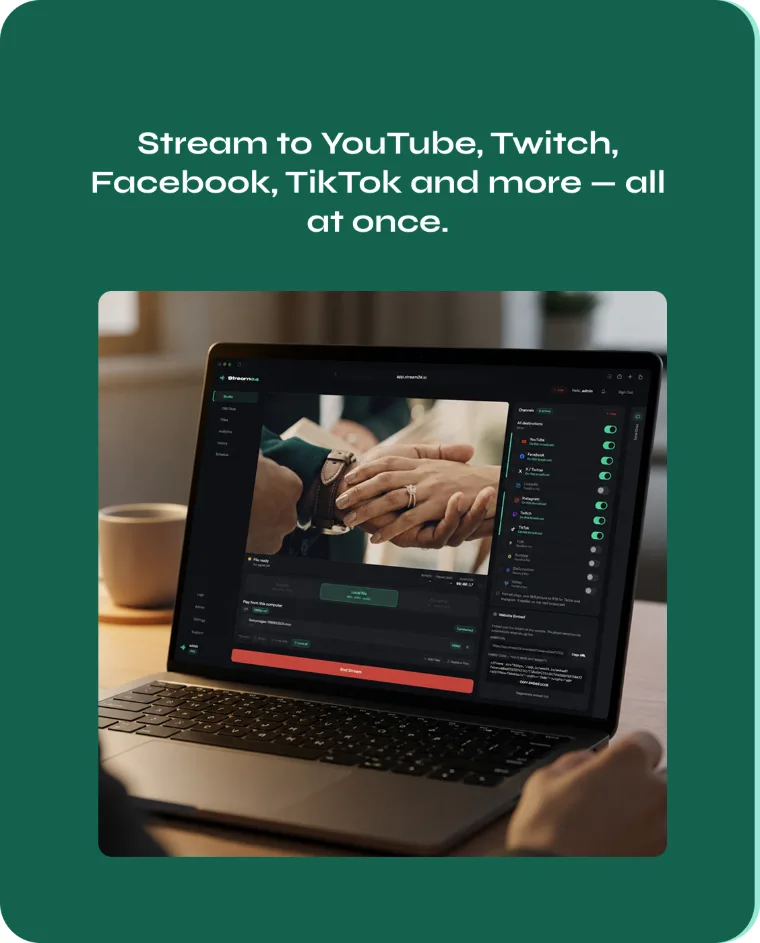
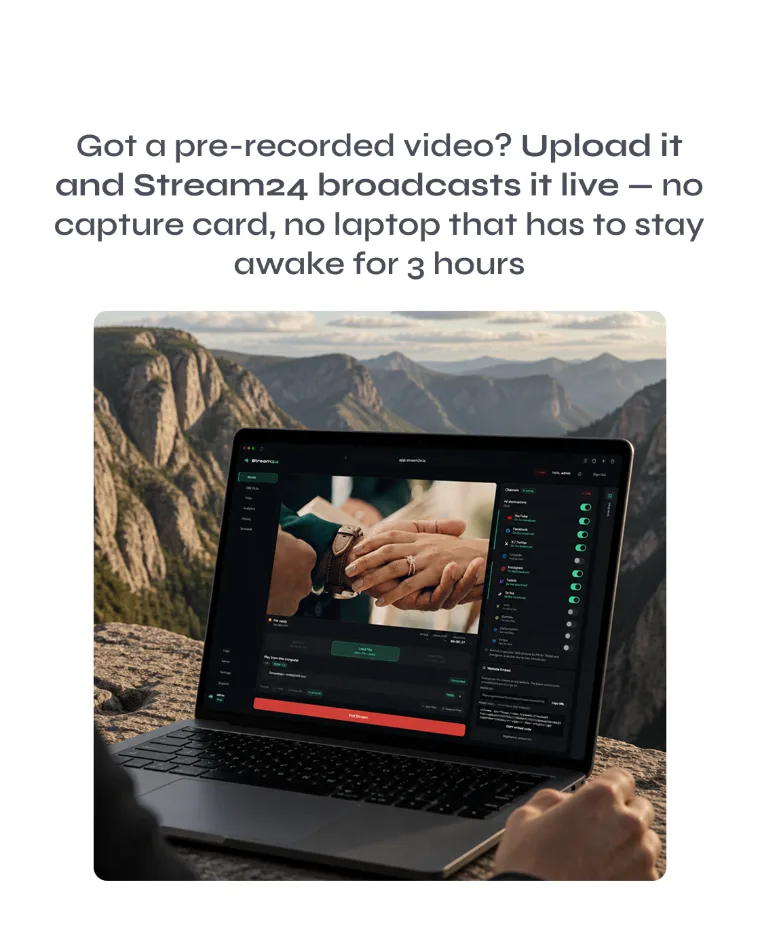
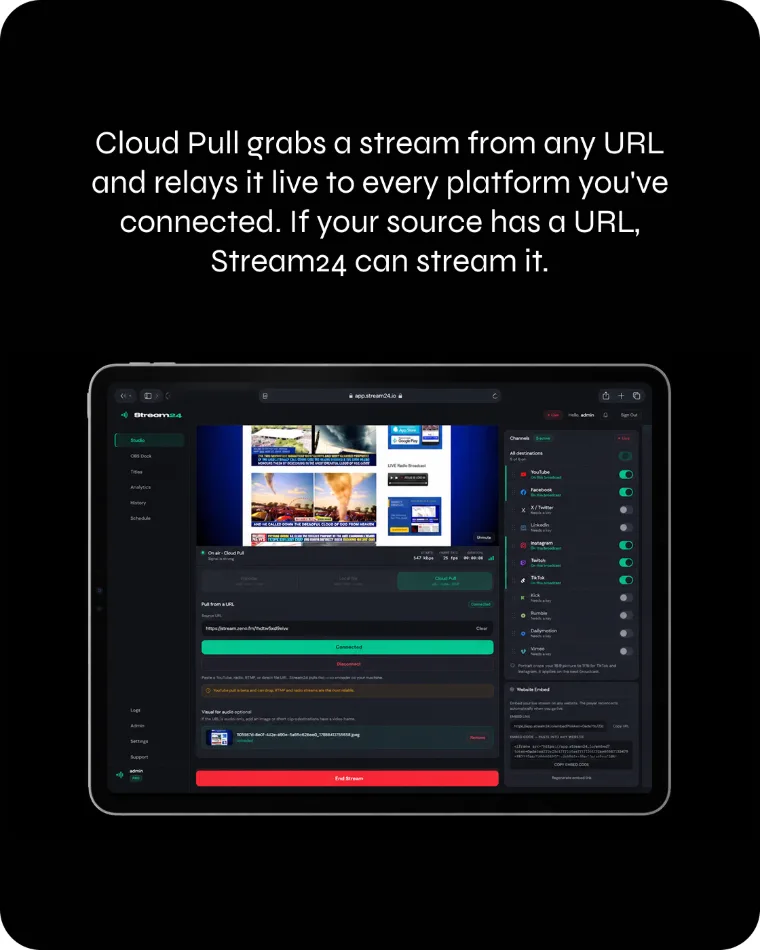
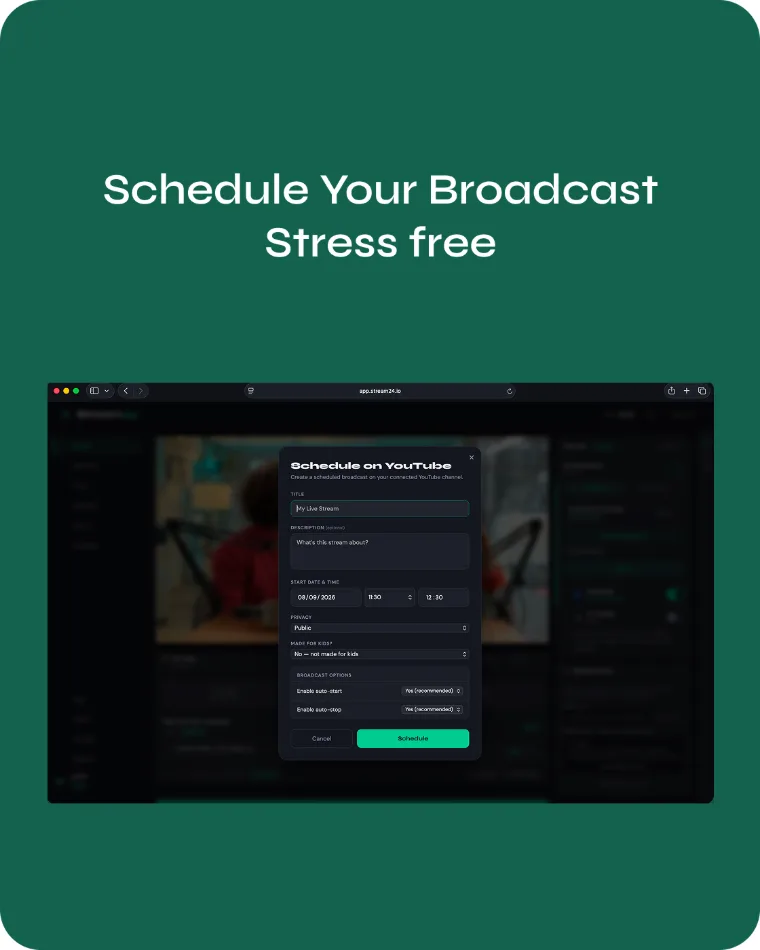
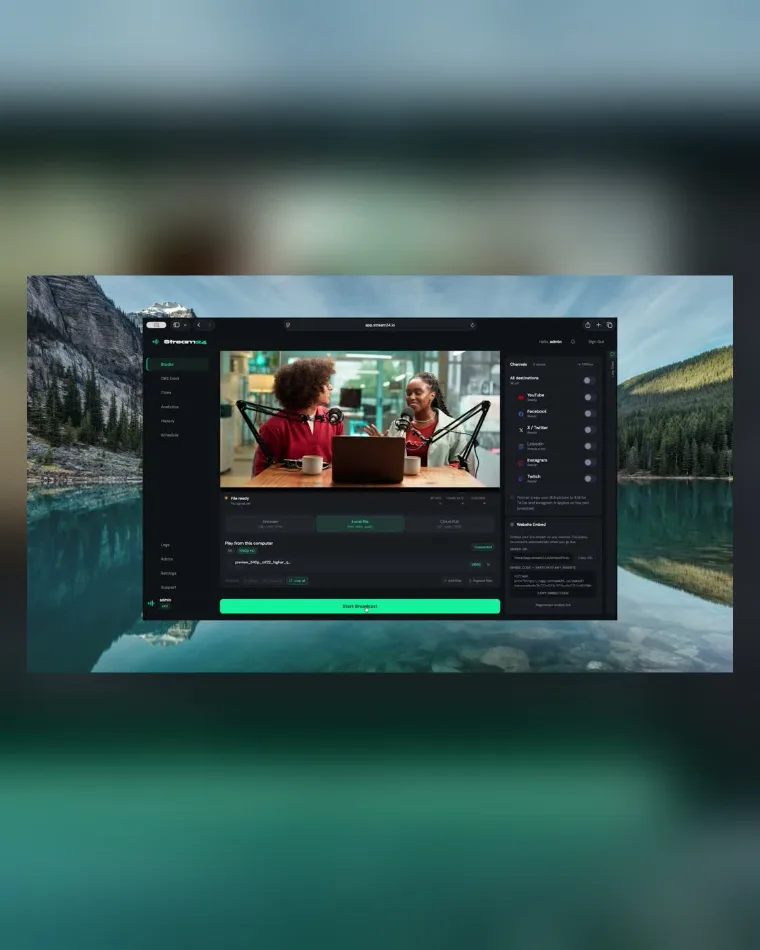
Multistream to YouTube, Facebook, TikTok and more from one broadcast. Stream a local file, pull a remote URL, schedule the start and stop, embed the player on your site, or produce the show in Stream24 Studio for Mac.
Multistreaming
One stream. Everywhere.
You send one stream to Stream24. Stream24 distributes it to YouTube, Facebook, TikTok, Instagram, Twitch, LinkedIn, X, Kick, Rumble, Dailymotion, Vimeo, Trovo and Custom RTMP.
- One upload, not one per platform
- Multiple destinations from a single Stream24 stream
- 1080p on Starter and Pro. Free is 720p
- Stream keys encrypted with AES-256
One stream
Live
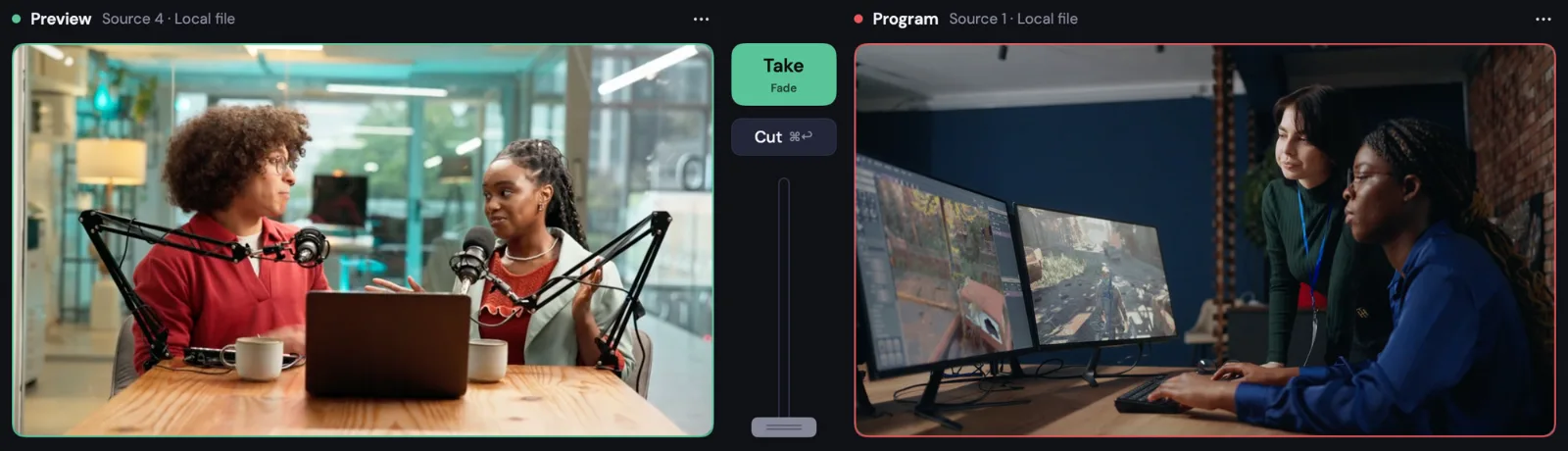
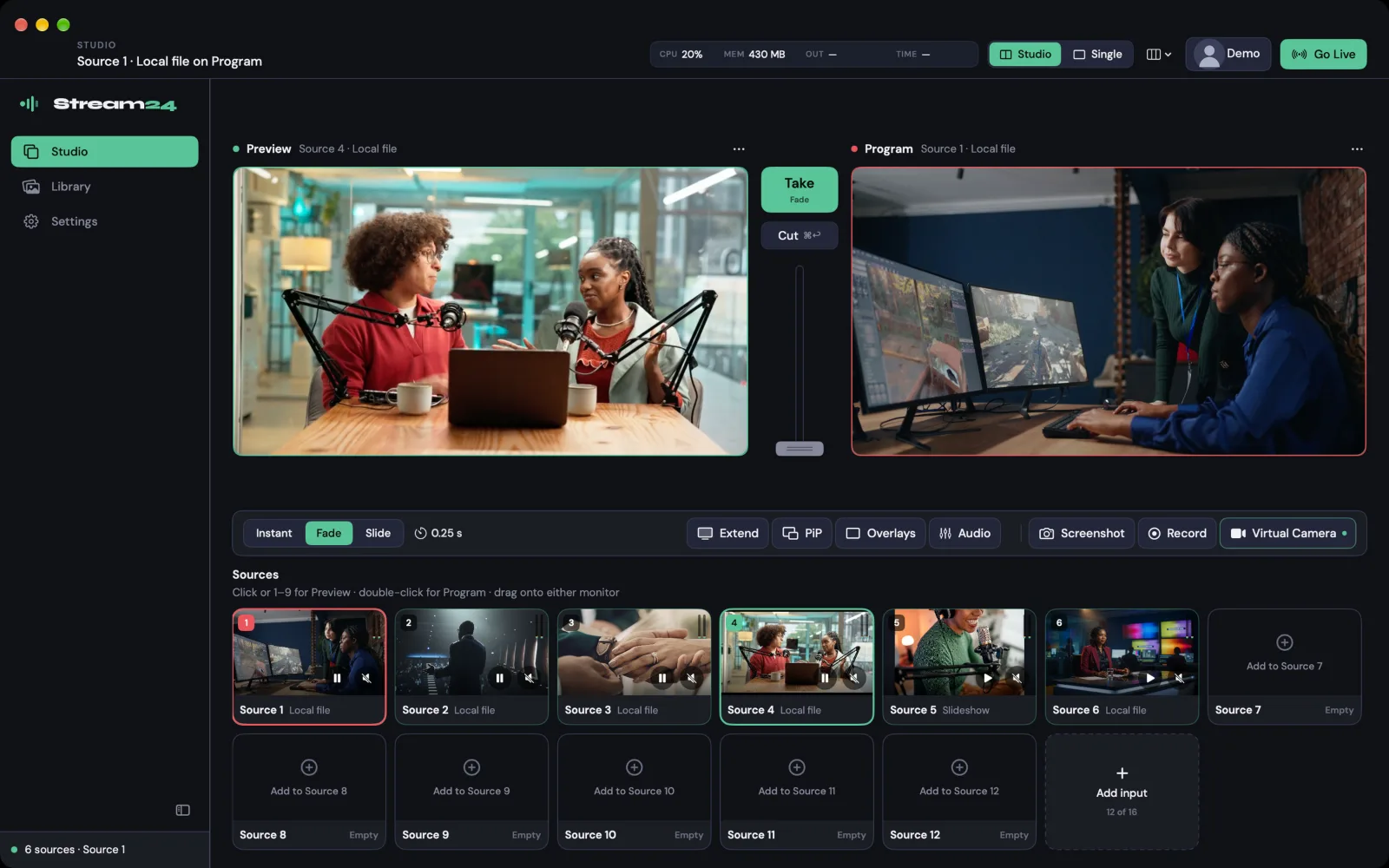
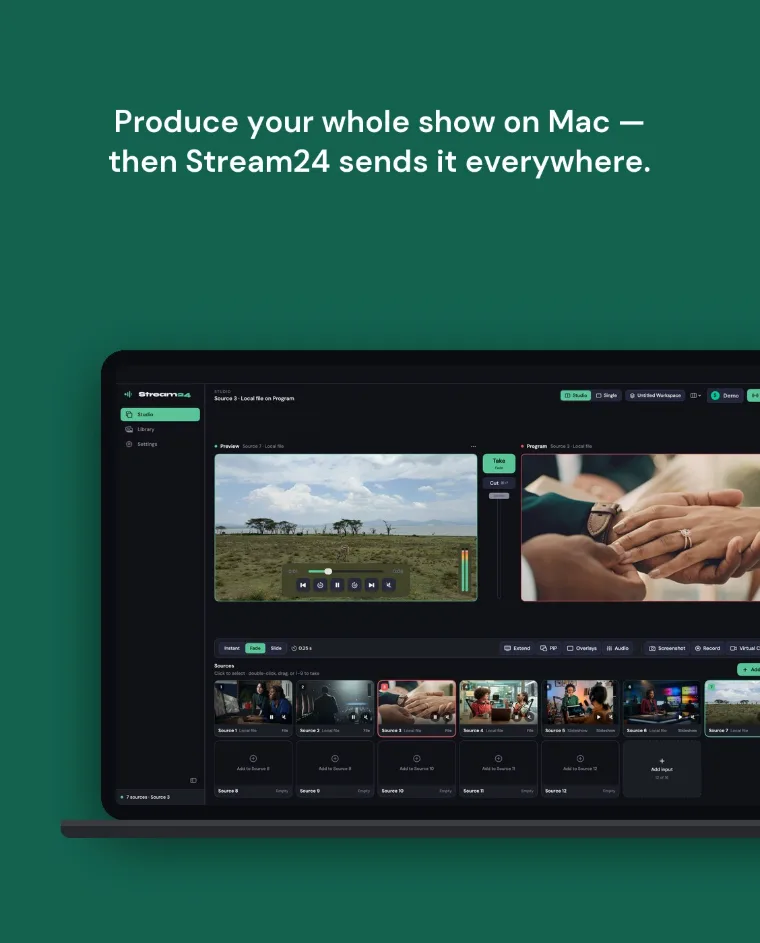
Stream24 Studio for Mac
Need a production studio?
Meet Stream24 Studio for Mac.
Free download · macOS 13 or later · Apple silicon and Intel
-
Produce
Stream24 Studio
-
Distribute
Stream24 web app
-
Reach
Multiple platforms
Produce your entire live show on Mac, then send the finished broadcast to Stream24 and multistream everywhere.
Ways to multistream
Four ways in. One multistream out — your upload goes to Stream24 once.
One platform. Many rooms.
The same dashboard, whether the room is a sanctuary, a studio, a classroom or a desk.
Trusted by broadcasters
Real streams. Real reach.
From weekly worship to 24/7 radio — teams rely on Stream24 to stay live everywhere at once.


Pricing
Plans for every way you go live
Start free. Every plan multistreams, and every plan includes Stream24 Studio for Mac and OmniDownload (Beta).
Free
Try multistreaming, no card needed.
Forever free · Stream24 watermark Forever free · Stream24 watermark
- Multistream to 3 platforms
- 720p streaming
- OBS and any RTMP encoder
Includes Studio
3 inputs · 720p · watermark
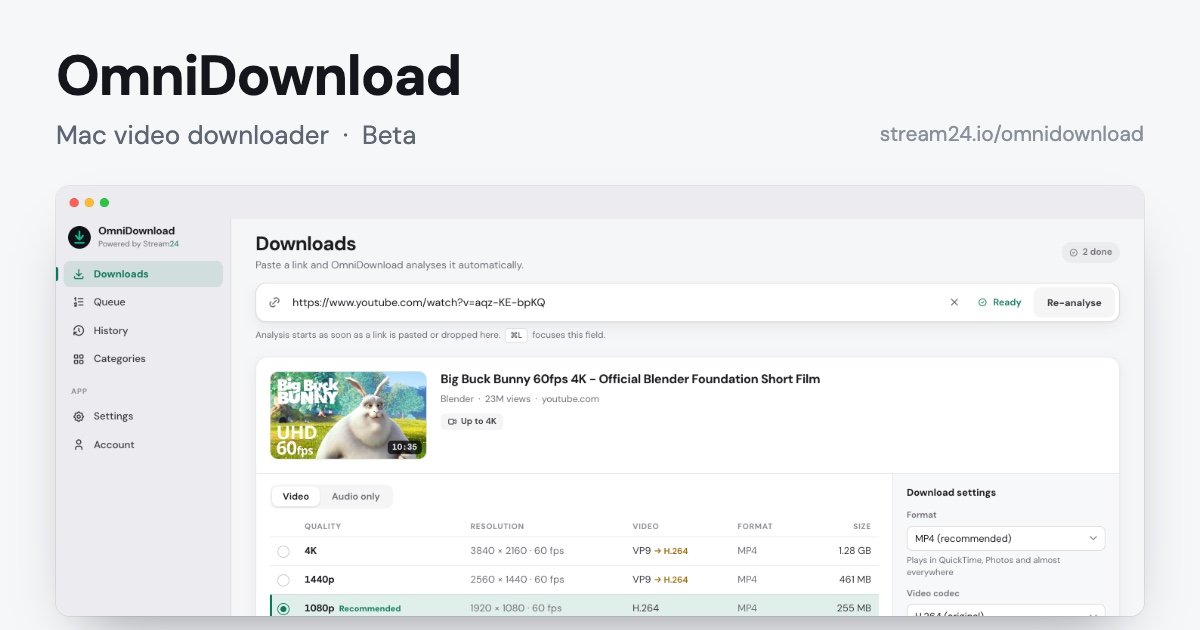
Includes OmniDownload (Beta)
720p · 10 video downloads a day
Starter
For growing creators and churches.
billed monthly · cancel anytime $19/mo · billed yearly
- Multistream to 5 platforms
- 1080p, no watermark
- Stream a video file live
- Portrait 9:16 auto-crop
- Live chat from every platform
Includes Studio
6 inputs · 1080p · NDI® · virtual camera
Includes OmniDownload (Beta)
Unlimited 1080p video downloads
Pro
Everything, including full Studio.
billed monthly · cancel anytime $39/mo · billed yearly
- All 13 platforms + Custom RTMP
- Cloud Pull — stream any URL
- Scheduled broadcasts
- Embeddable player
- Playlists of 5 files
- Everything in Starter
Includes Studio
Full Studio · 16 inputs · 4K · NDI® · virtual camera
Includes OmniDownload (Beta)
Best available quality · no download cap
Studio and OmniDownload (Beta) are included with every plan. There is no separate OmniDownload price. Pro is full Studio — 16 inputs and 4K — plus full download quality, all 13 platforms, Cloud Pull, scheduling and the embed player. See how Stream24 compares
FAQ
Questions about multistreaming
Everything you need to know about Stream24 and live multistreaming.
Send one stream to Stream24 from an RTMP encoder (OBS Studio, Streamlabs, Ecamm, vMix, or any other), from a video file, or from a URL with Cloud Pull. Stream24 delivers that one upload to the platforms on your plan. You do not run a separate stream for each site.
Free supports up to 3 platforms simultaneously. Starter unlocks 5. Pro unlocks all 13 — YouTube, Twitch, Facebook, TikTok, Instagram, LinkedIn, X, Kick, Rumble, Dailymotion, Vimeo, Trovo, and Custom RTMP.
Yes. Stream24 supports two encoder-free methods: Cloud Pull lets you stream any remote URL or file directly from our servers (Pro), and local file streaming lets you upload a video and broadcast it live without any software (Starter and Pro).
No. The free plan requires no credit card at all. You only need payment details when you upgrade to Starter ($19/month) or Pro ($39/month).
Cloud Pull lets you stream pre-recorded video or pull from any remote URL — YouTube links, direct file URLs, or RTMP sources — without a local encoder. Ideal for rebroadcasting, event replays, and fully automated content publishing. Available on the Pro plan.
Upload a video file (MP4, MOV, and more) to Stream24 and broadcast it live to all your connected platforms. No encoder software needed. Starter supports 1 file at a time; Pro supports up to 5 files in a playlist — with portrait mode (9:16 auto-crop) for vertical platforms.
Yes. The Free plan is permanent, needs no card, and multistreams to 3 platforms at 720p. Starter ($19/month or $228/year) raises that to 5 platforms at 1080p. Pro ($39/month or $468/year) includes all 13 platforms plus Custom RTMP.
Yes. Every paid plan can be billed monthly or yearly at the same rate: Starter is $228 a year and Pro is $468. Yearly simply means one payment instead of twelve.
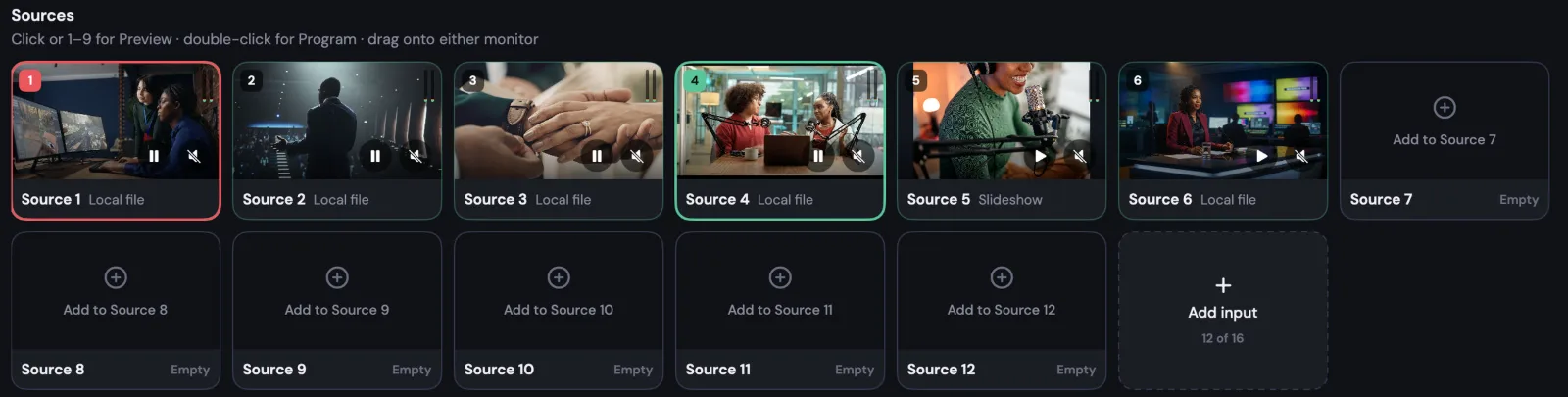
Studio is a Mac app for live production — cameras, screens, graphics, recording and a virtual camera — included with every plan. You do not need it to multistream: an encoder, a file or a URL is enough. If you use it, the show still multistreams through Stream24. Free includes 3 inputs at 720p with a watermark, Starter 6 inputs at 1080p, and Pro 16 inputs at 4K.
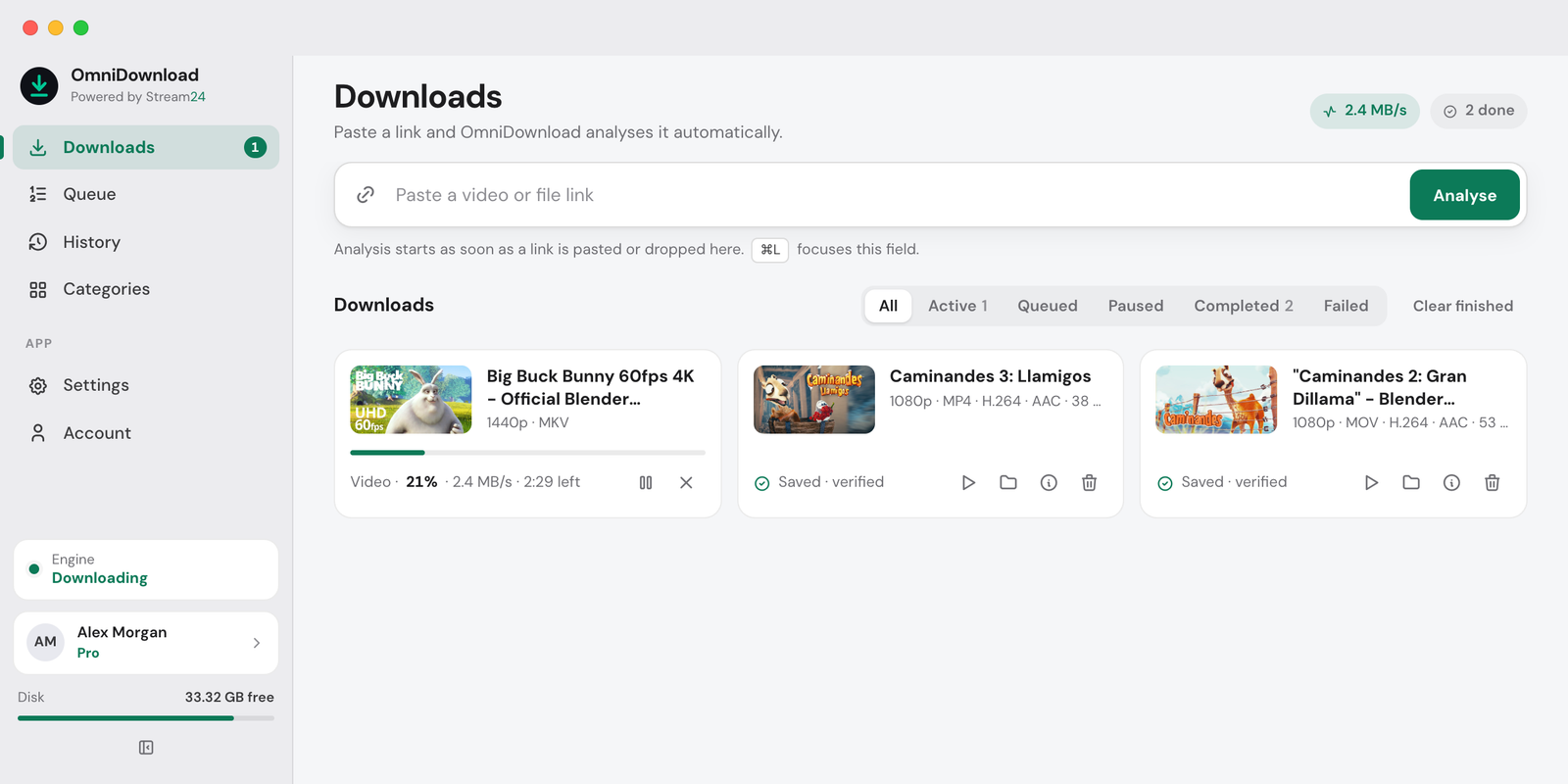
No. OmniDownload for Mac uses the same Stream24 account. Free includes 720p for 10 successful video downloads each UTC day. Starter includes unlimited video downloads at up to 1080p while that subscription is active. Pro includes unlimited downloads at the best quality available for each video. Direct files are not counted. There is no second price.
Multistream once. Reach every audience.
Free plan, no card. Produce in Studio when you want to — the stream still goes out through Stream24.