Schedule broadcasts. Walk away.
Queue streams in advance — Stream24 starts, runs and stops them automatically, across every platform.
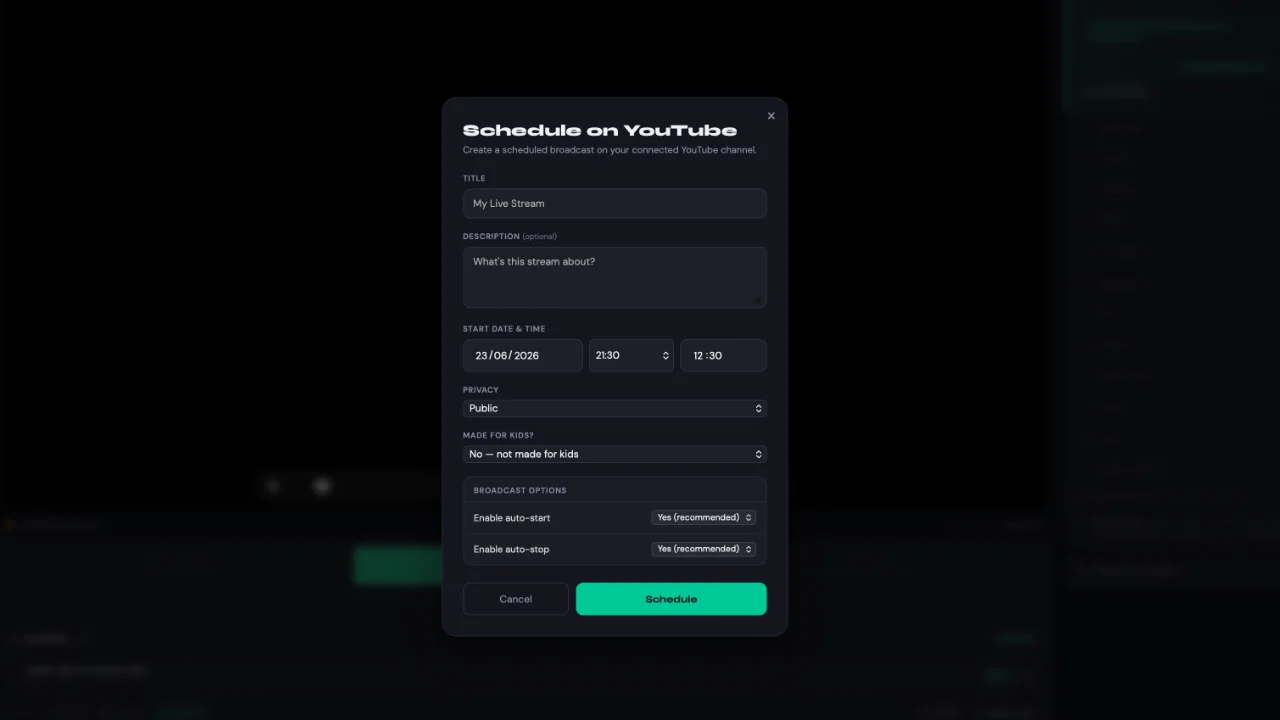
Set it and forget it
Pick platforms, source and time
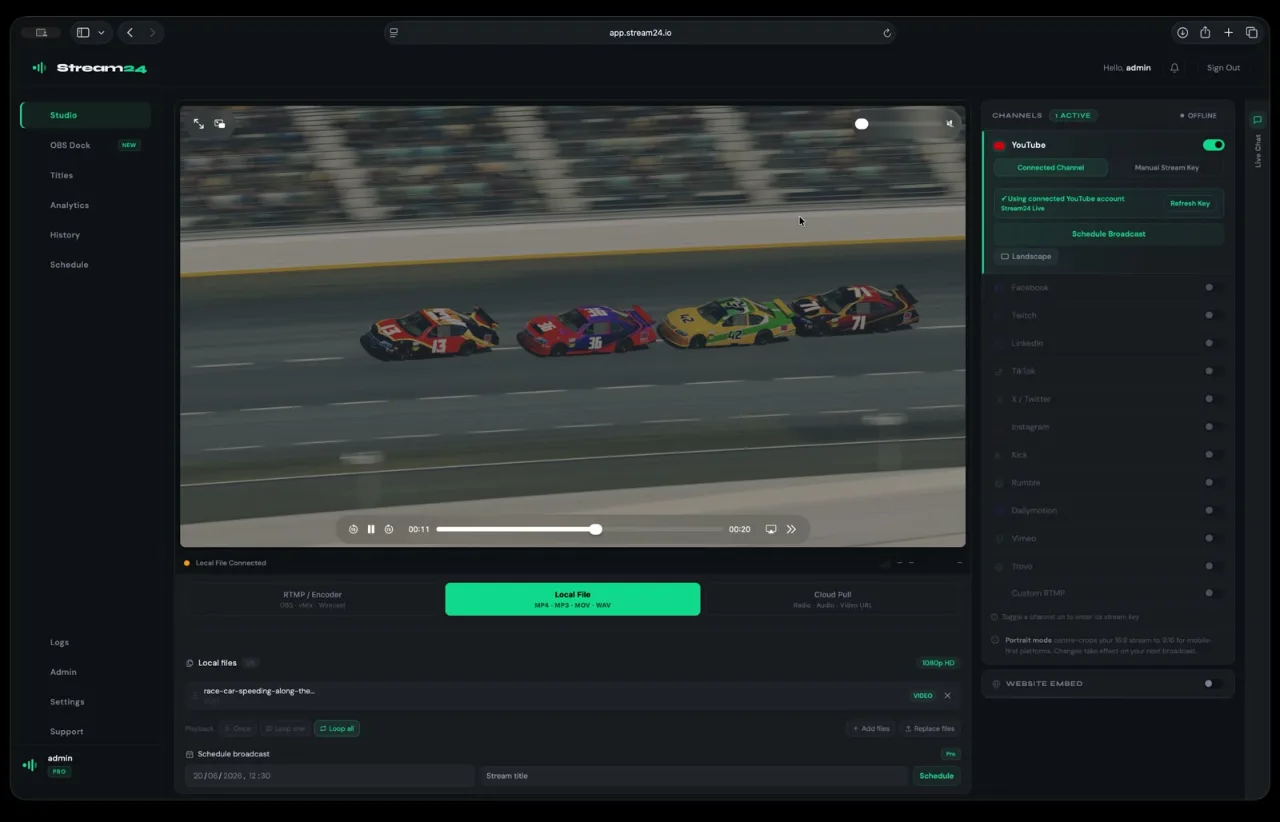
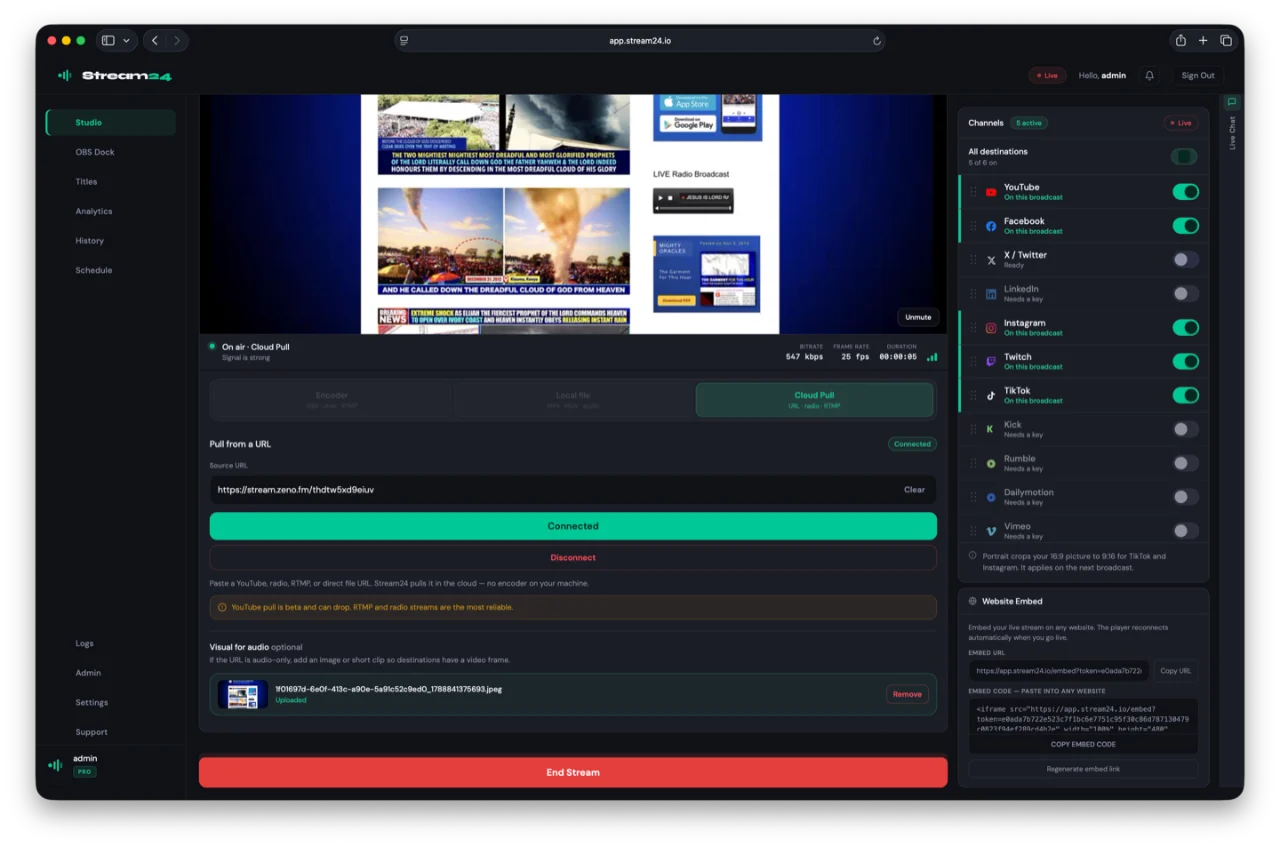
Choose what goes live, where and when. Stream24 handles start, stream and stop on its own — no one has to press a button.
- Automatic start and stop
- From RTMP, local file or Cloud Pull
- YouTube-native scheduling
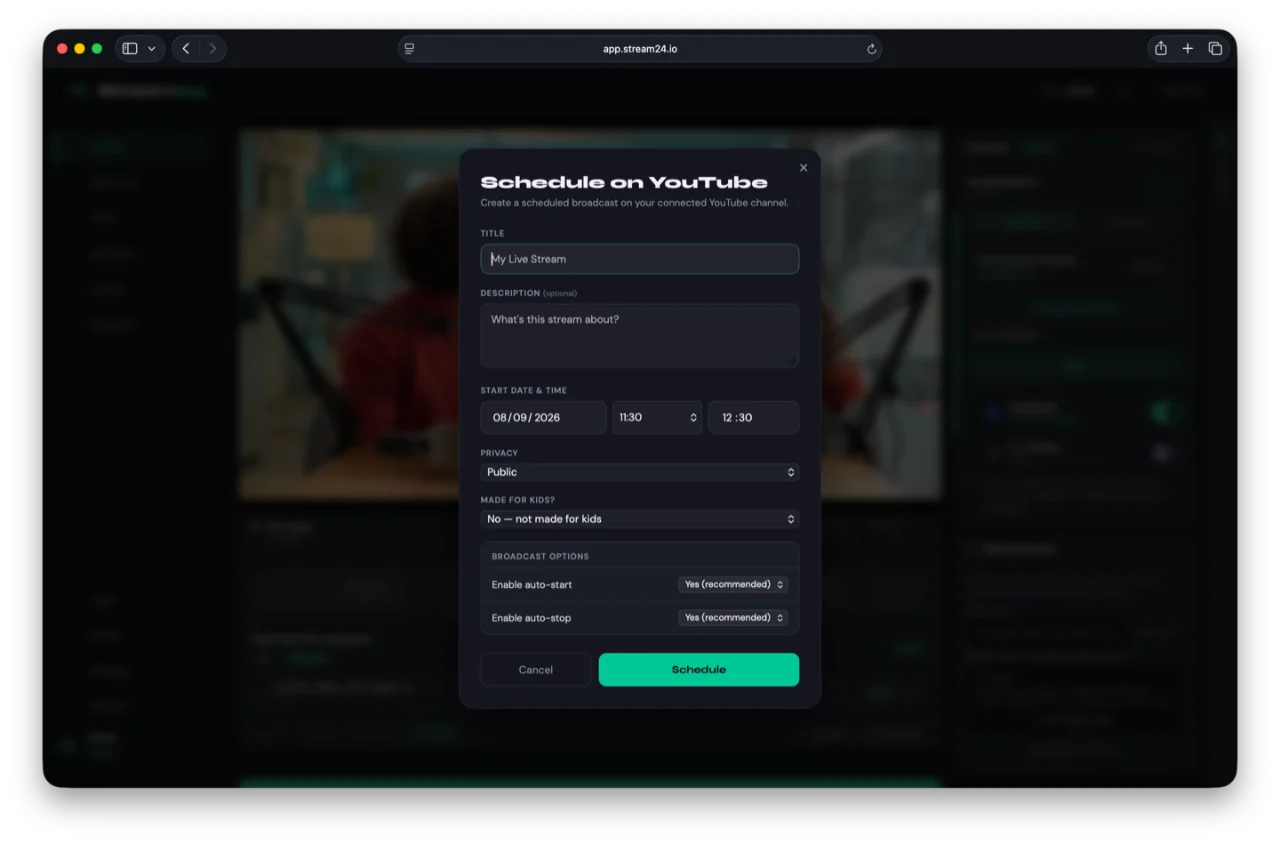
Reliable by design
Recurring streams that just run
Perfect for weekly services, daily shows and unattended broadcasts that need to start on time, every time.
How it works
Up and running in three steps
Set your source and platforms
Choose what you're streaming — an RTMP encoder, a local file, or a Cloud Pull URL — and select which platforms should receive the broadcast.
Pick your time
Schedule a one-off broadcast or a recurring series. Set the start time, end time, and timezone. Stream24 handles the rest automatically.
It starts on its own
When the scheduled time arrives, Stream24 starts your stream, runs it, and stops it — no one needs to press a button. Check broadcast history from your dashboard.
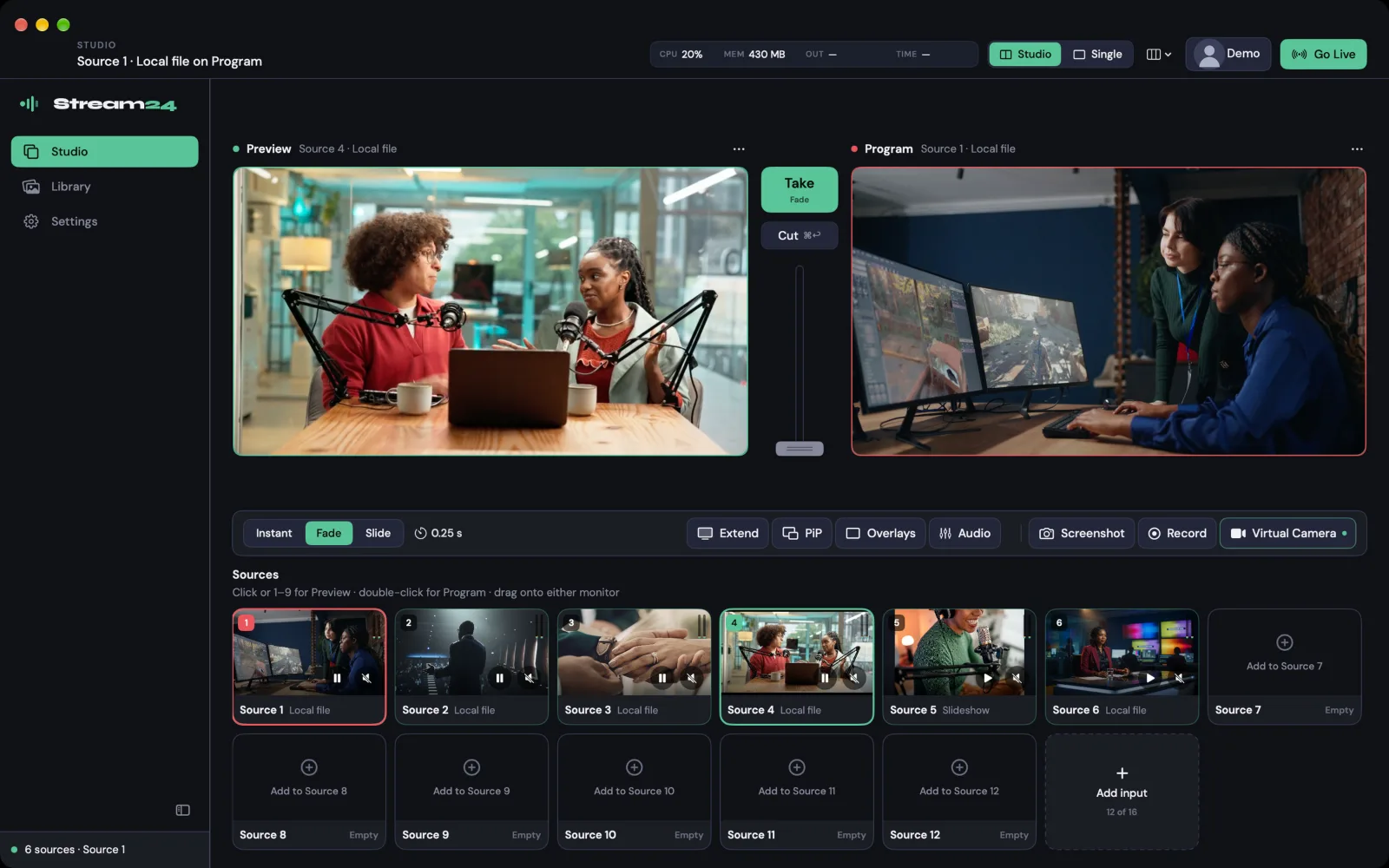
New · Stream24 Studio for Mac
Want to produce your stream first?
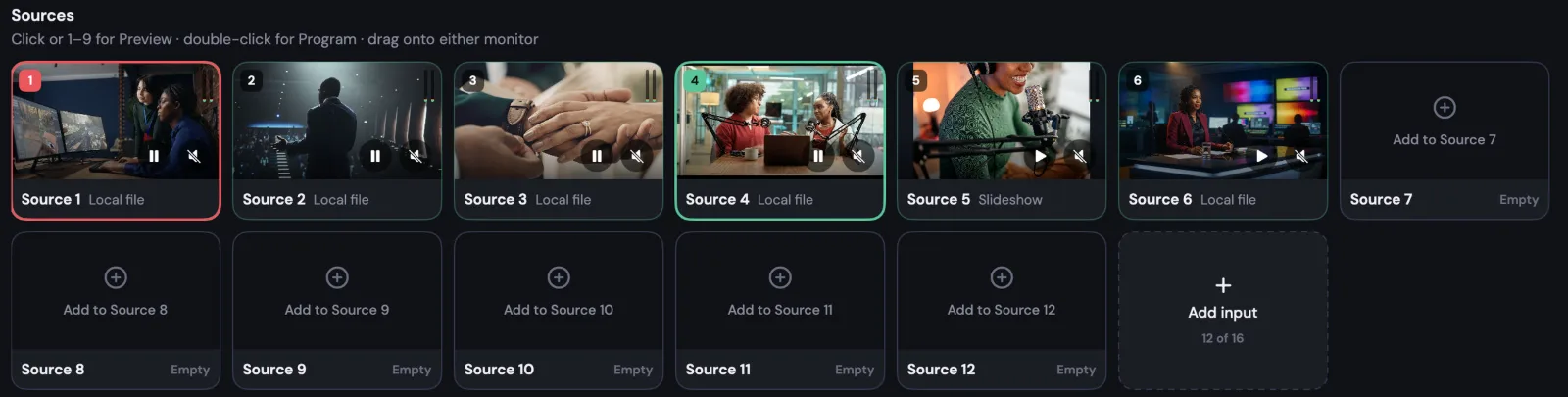
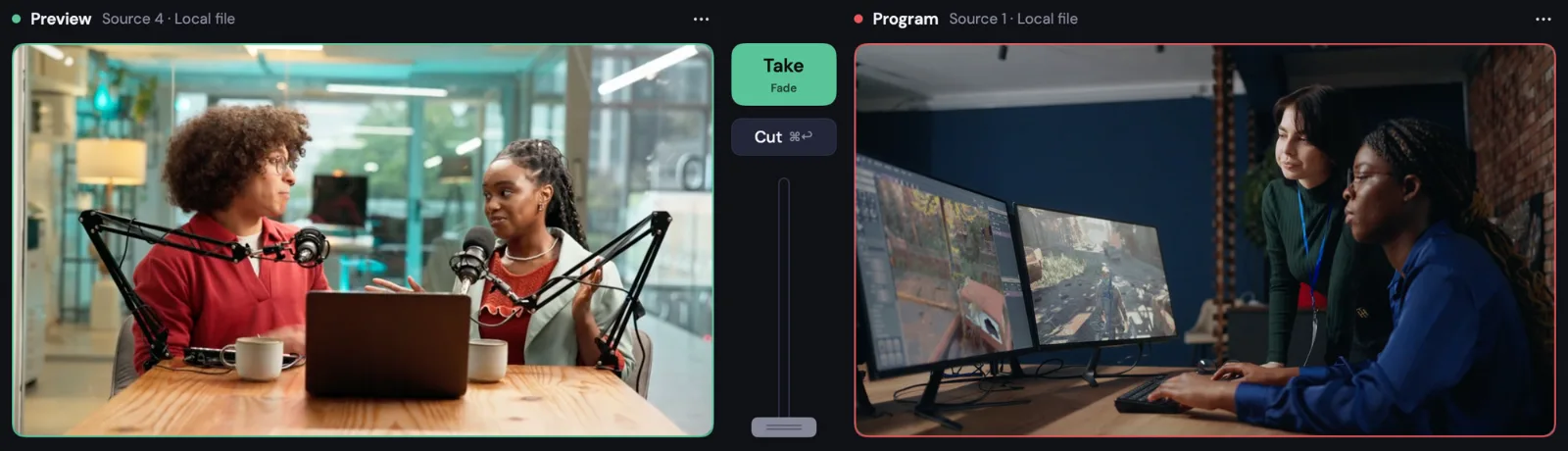
Switch cameras, screens and graphics on your Mac, then send the finished show through Stream24 to every platform.
Supported Platforms
Stream to every major platform simultaneously
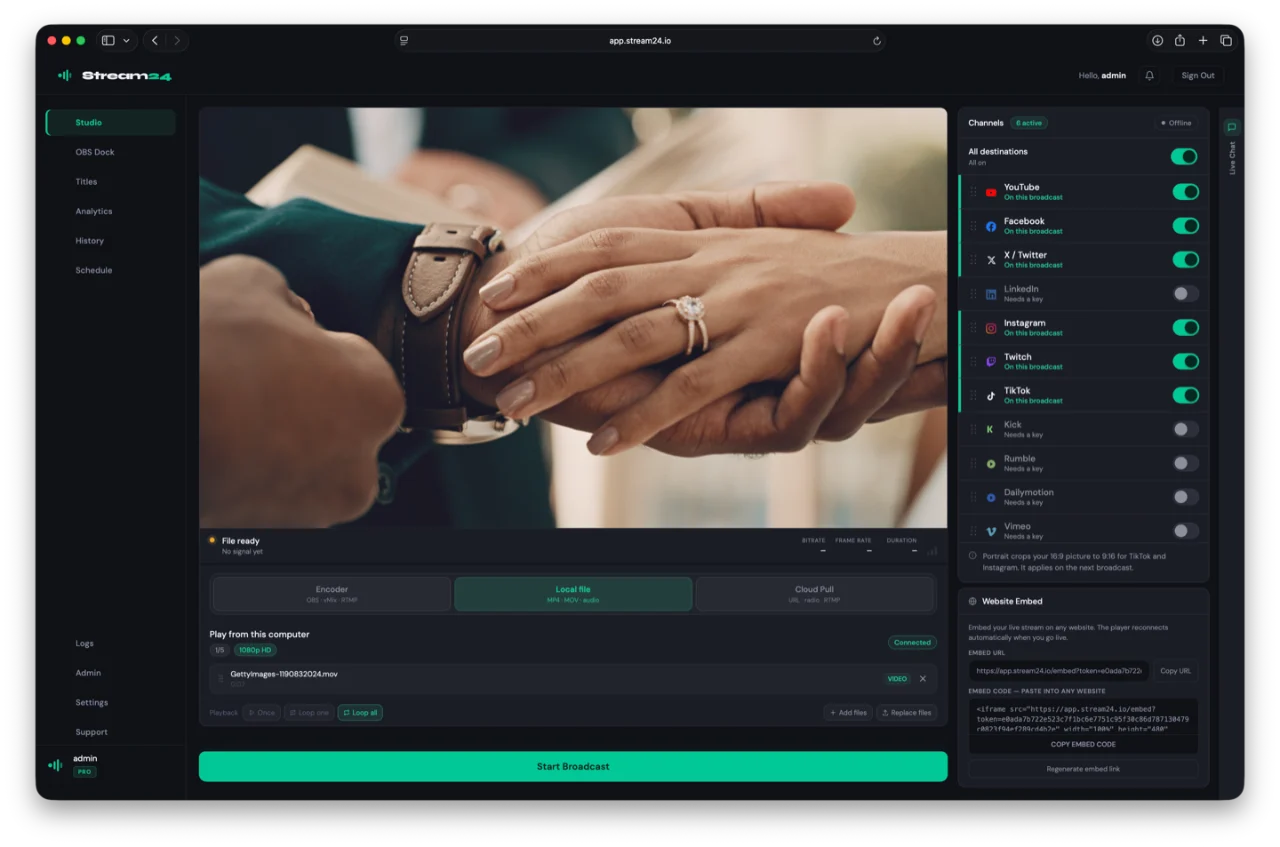
Scheduled Broadcasts is just one of 13 platforms Stream24 supports simultaneously — one dashboard, every audience, zero complexity.
Ready to go live everywhere?
Start free — no credit card, no setup fee. Upgrade when you're ready.