
Stream a video file — live, no encoder
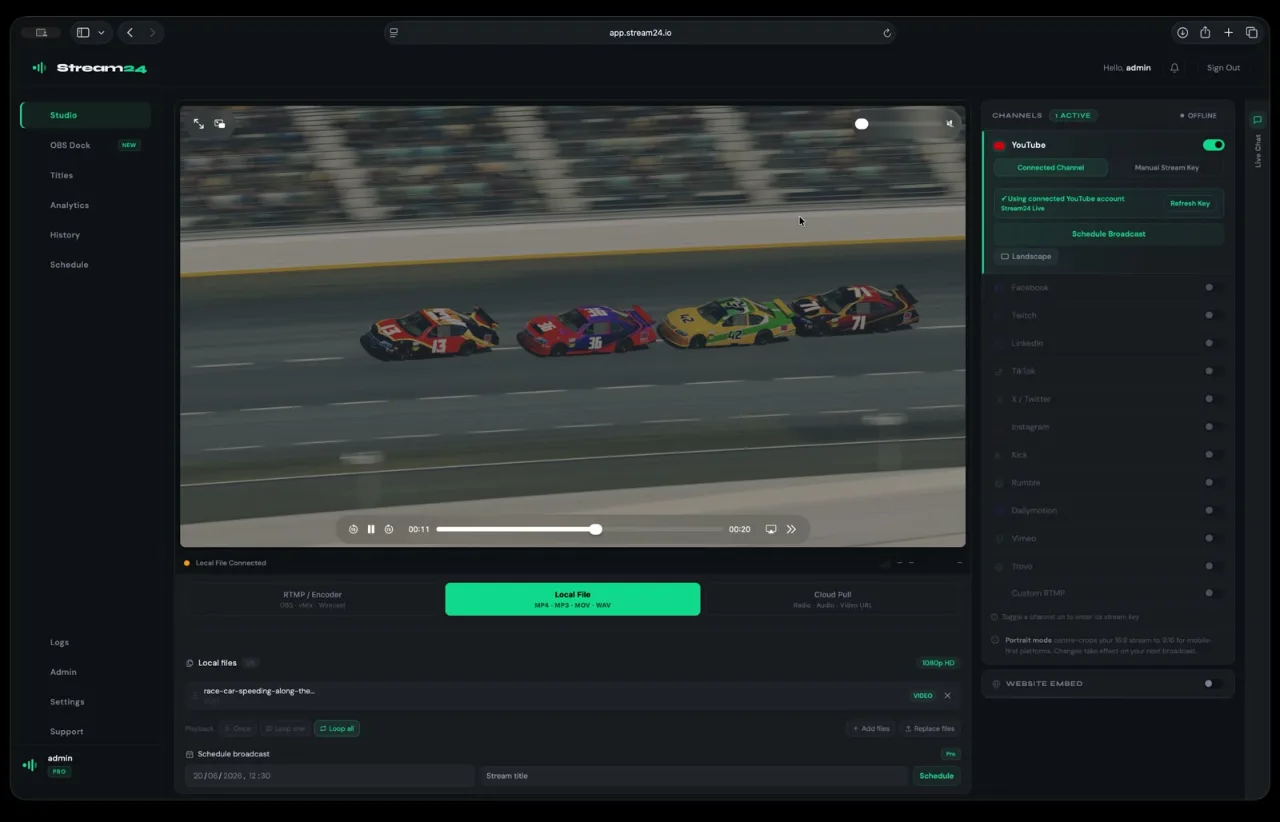
Upload an MP4 and broadcast it to every platform as a live event. No OBS, no local machine running.
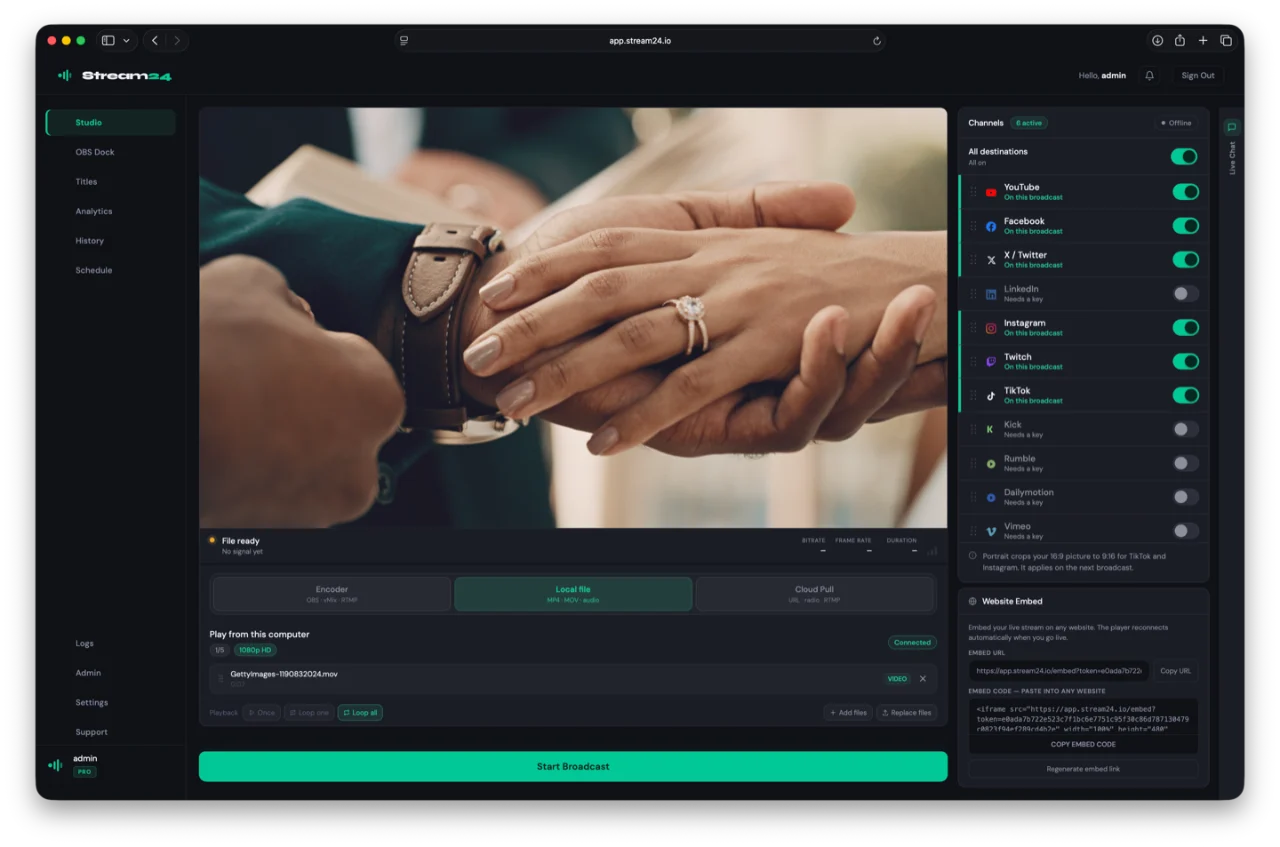
Upload and go live
Turn a file into a live broadcast
Drop in an MP4 or MOV and stream it to every connected platform. Starter includes one file; Pro runs a playlist of up to five with portrait 9:16 auto-crop.
- No encoder or local software required
- Pro: up to 5 files in a playlist
- Portrait mode (9:16) for TikTok and Instagram
Perfect for
Replays, sermons and premieres
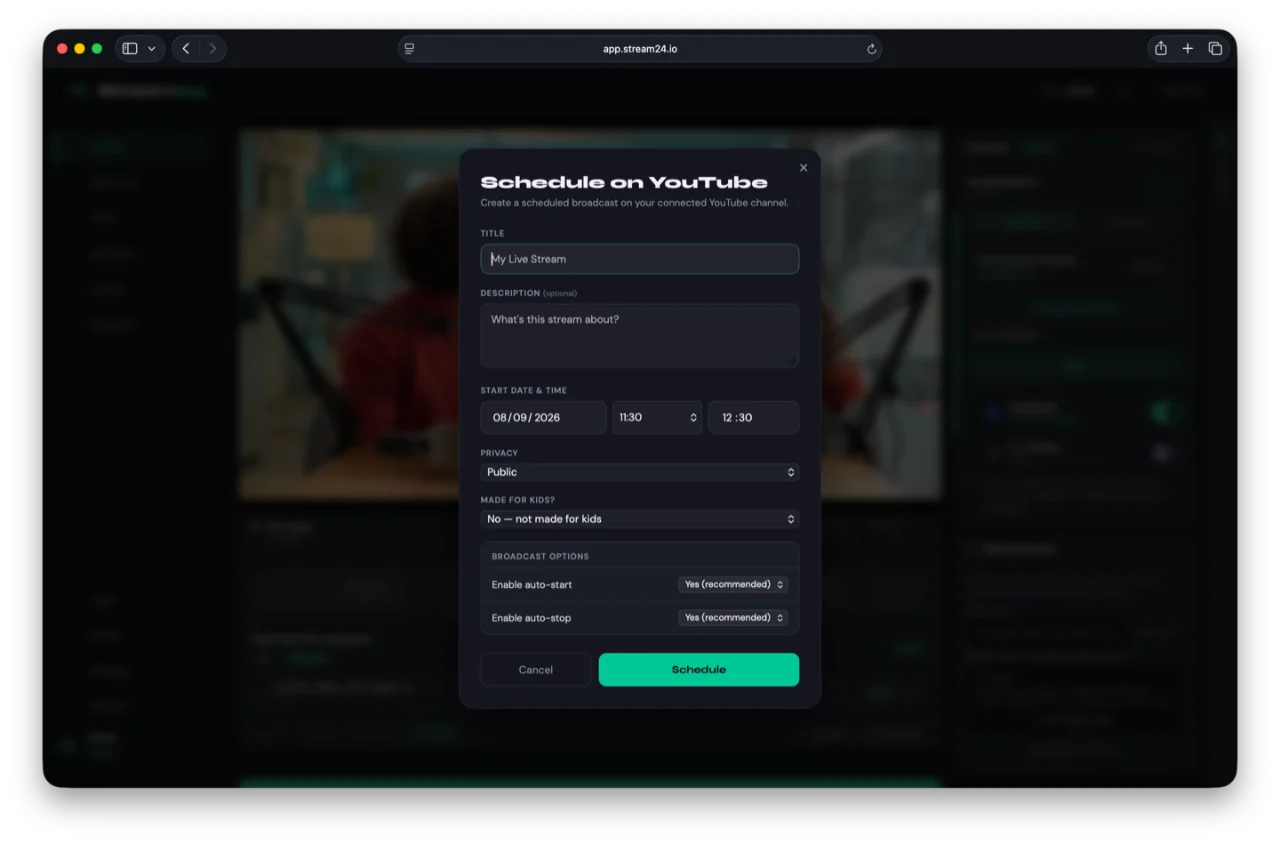
Broadcast pre-recorded services, event replays or premieres as if they were live — scheduled and unattended.
How it works
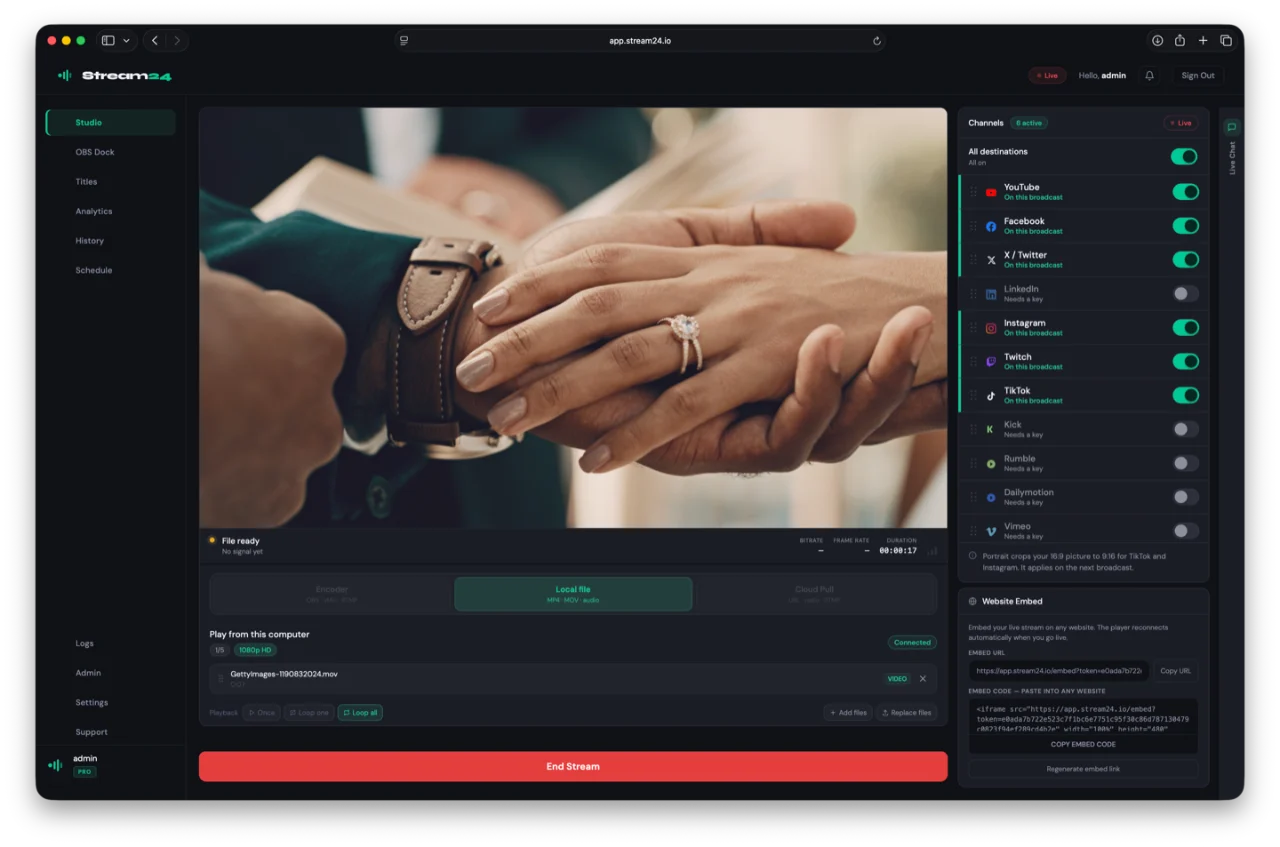
Up and running in three steps
Upload your video file
Drag and drop an MP4 or MOV into the Stream24 dashboard. No size limits beyond your plan — files upload directly to our servers.
Select your platforms
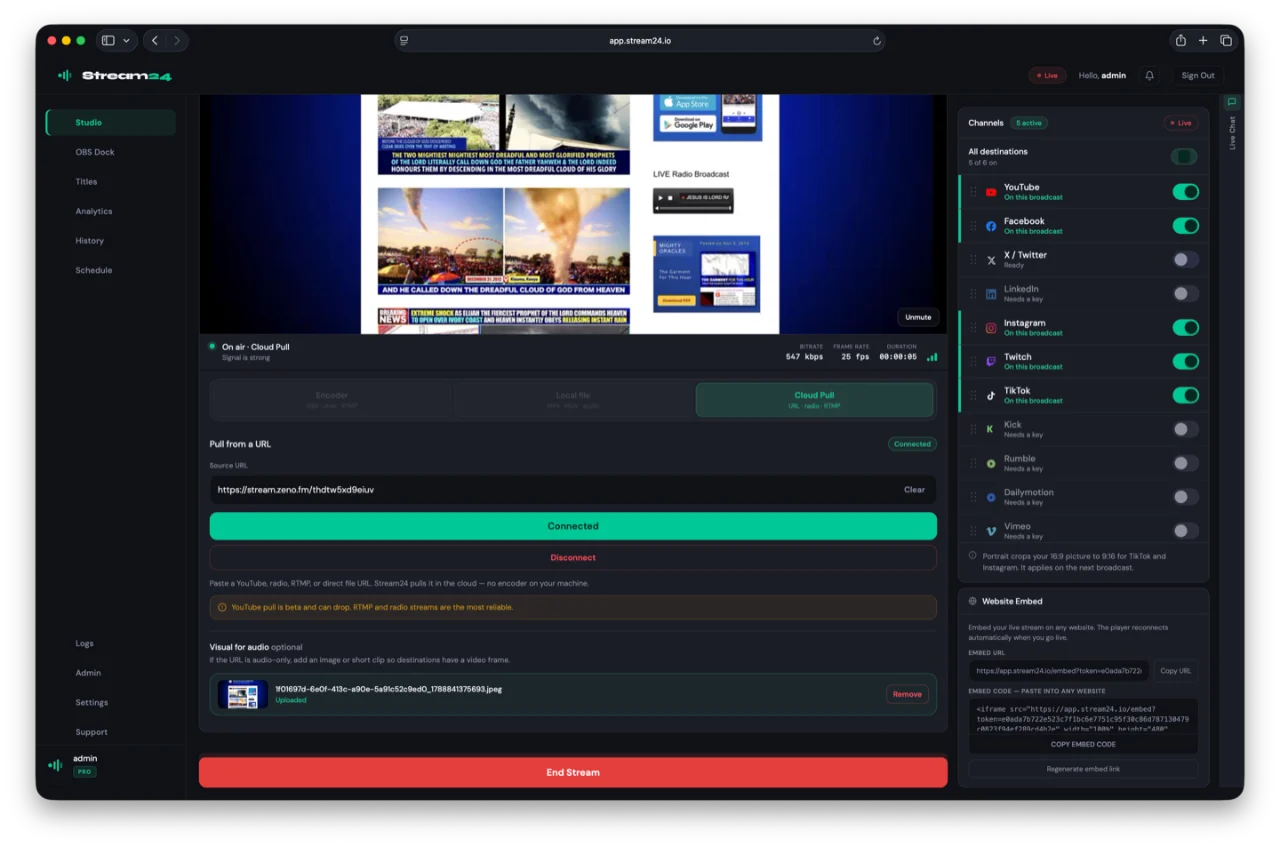
Toggle on the platforms you want to stream to — YouTube, Facebook, TikTok, and more. Stream24 handles the multi-destination routing.
Start broadcasting
Click 'Go Live' and your video broadcasts as a live stream across every selected platform — no encoder, no local machine required.
New · Stream24 Studio for Mac
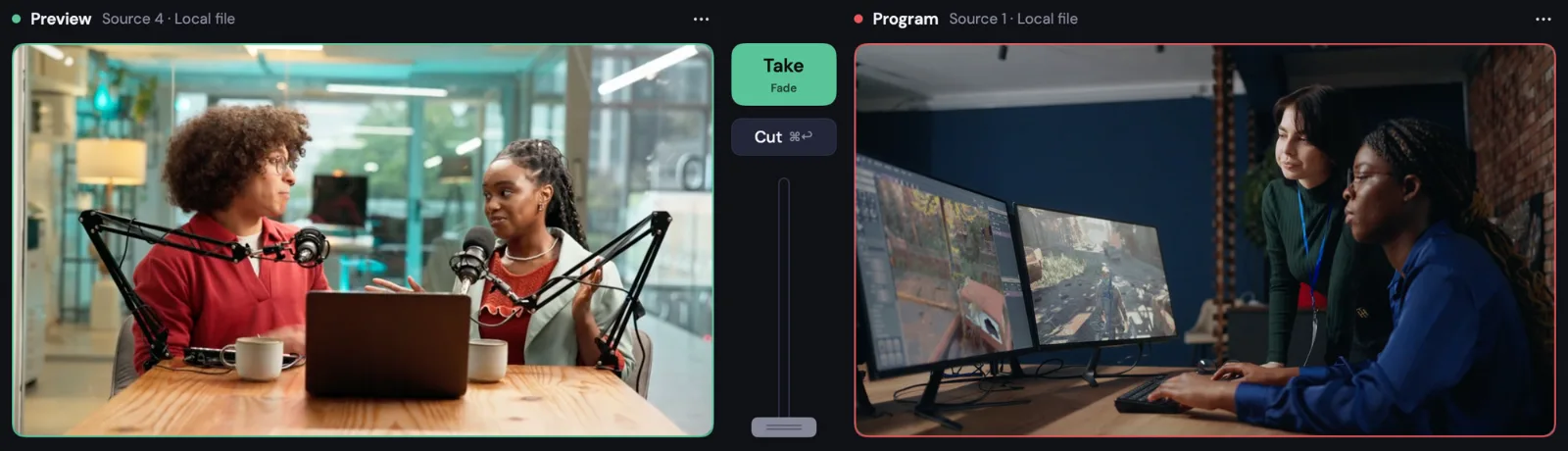
Want to produce your stream first?
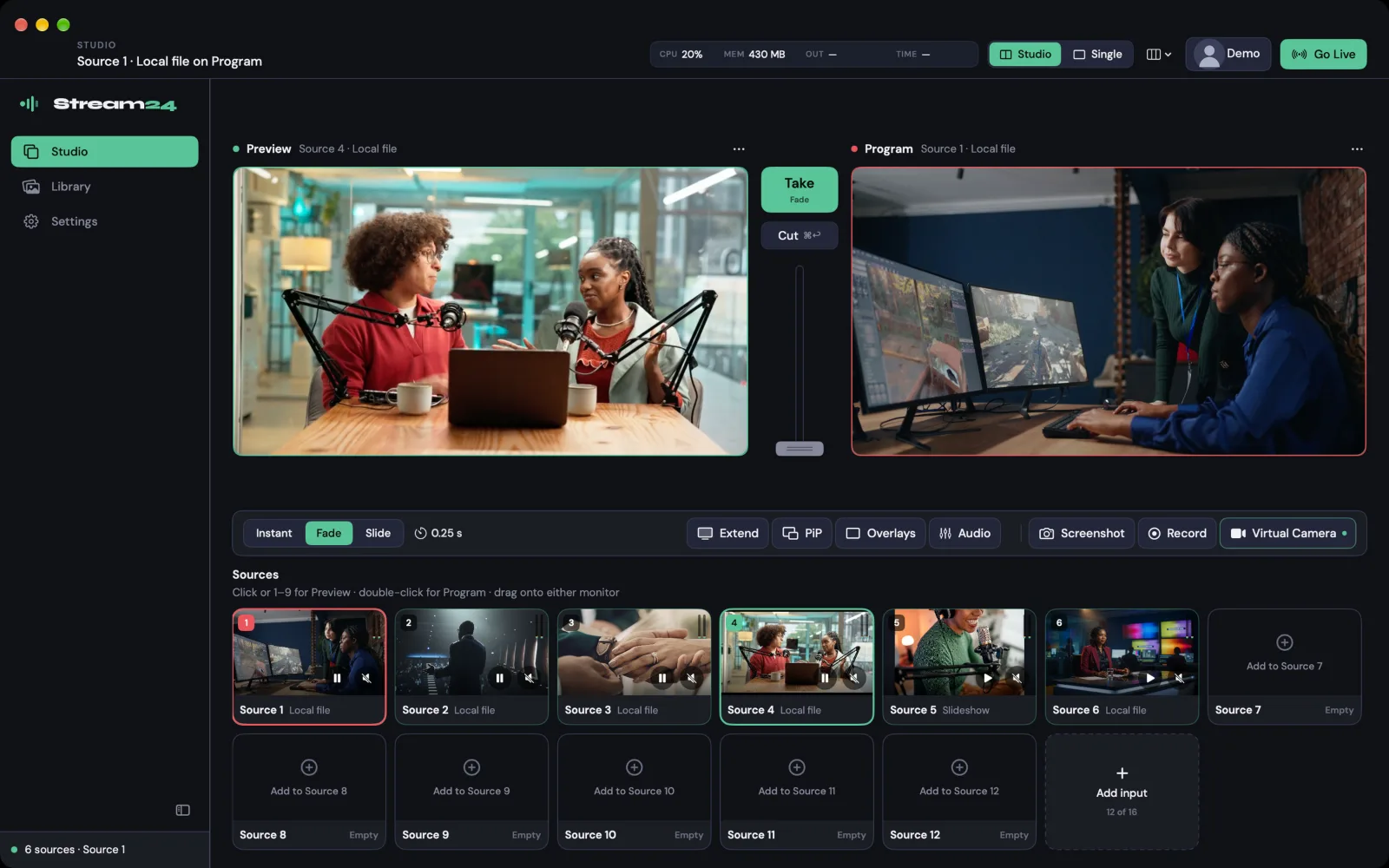
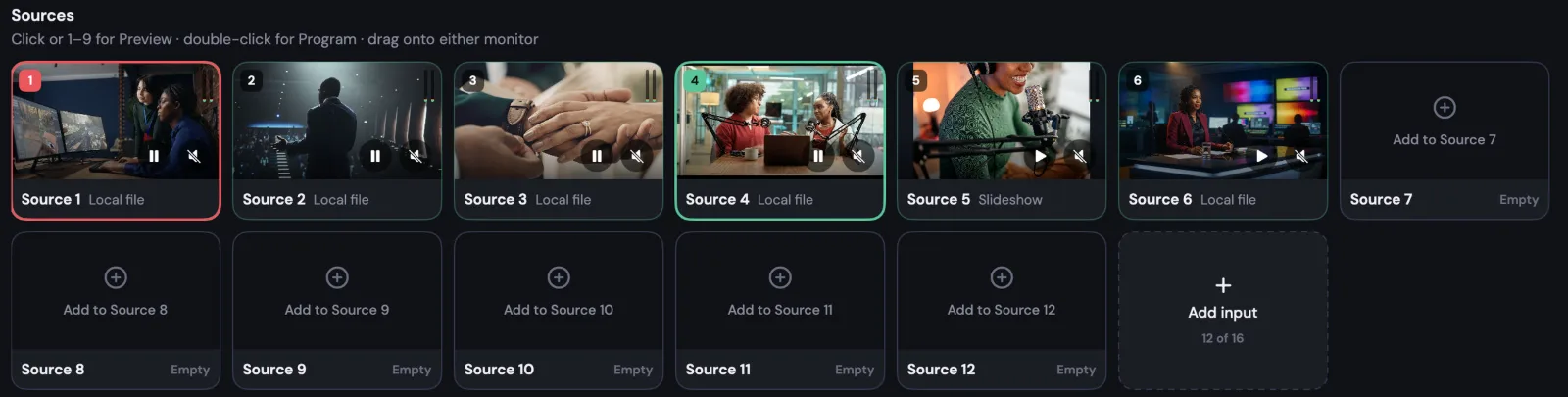
Switch cameras, screens and graphics on your Mac, then send the finished show through Stream24 to every platform.
Supported Platforms
Stream to every major platform simultaneously
Local File Streaming is just one of 13 platforms Stream24 supports simultaneously — one dashboard, every audience, zero complexity.
Ready to go live everywhere?
Start free — no credit card, no setup fee. Upgrade when you're ready.