One camera feed. Every screen.
Games, classes and training sessions go to YouTube, Facebook and your own site from a single encoder. Schedule the broadcast for the start, and embed the player where the club already lives.
01
Send the camera
The encoder you use at the field or in the gym points at one Stream24 key. Stream24 delivers that one upload.
02
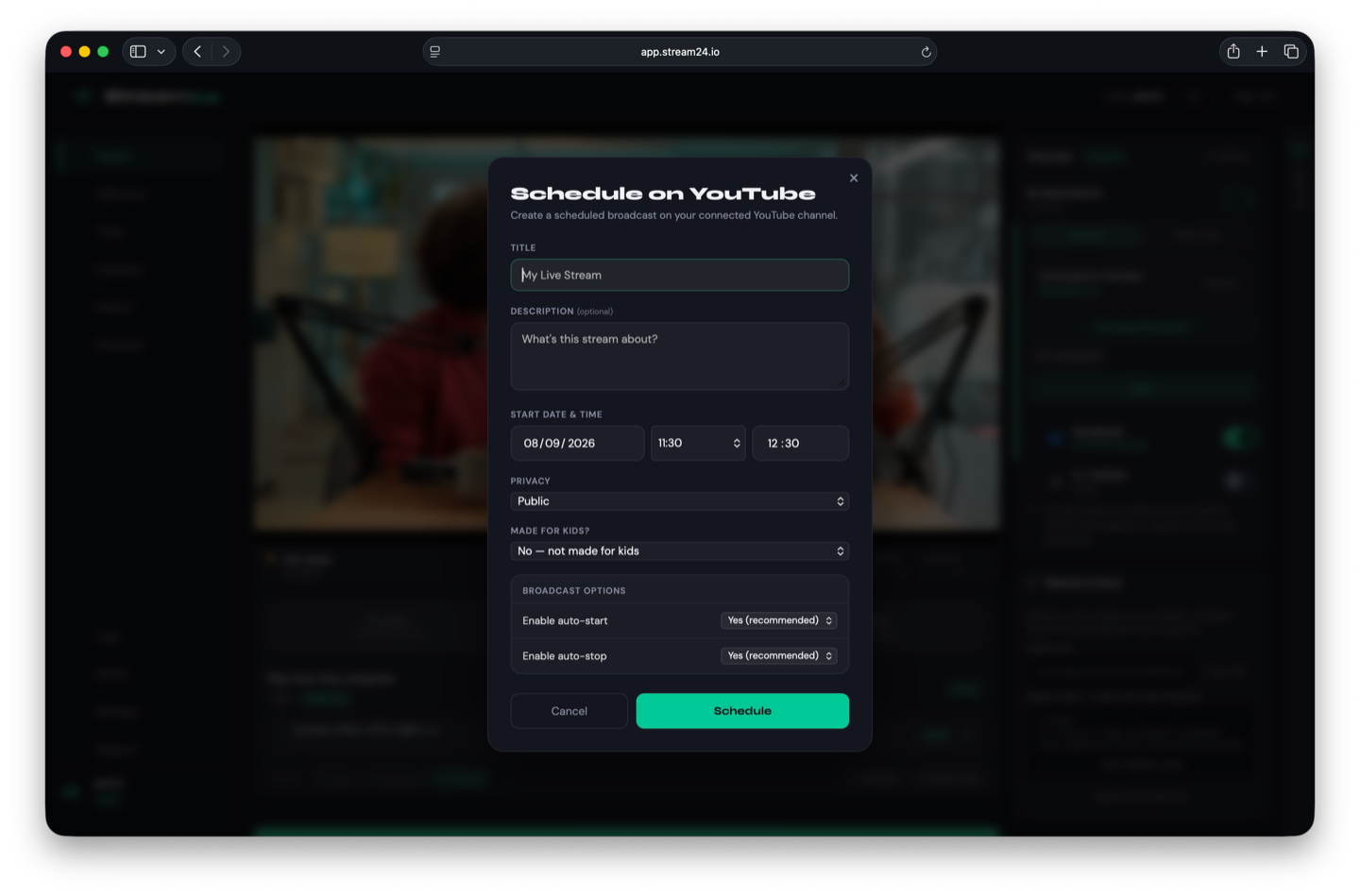
Schedule kickoff
On Pro, set the start and the stop. The stream runs when the session does, including when nobody is at the laptop to press go.
03
Put it on the club site
The embed player sits on your page, white-labelled. The same stream is on the platforms you connected.
Start and stop on the clock
Scheduled broadcasts are for the fixture that has a time. You set both ends. Stream24 runs that window.
- Pro plan
- Same destinations as a live encoder stream
- A start and a stop, both set by you
Titles, if you produce on a Mac
Studio for Mac includes 82 graphics templates — lower thirds, titles and tickers — then sends one stream. It does not add a separate replay desk.
- Up to 16 inputs on Pro
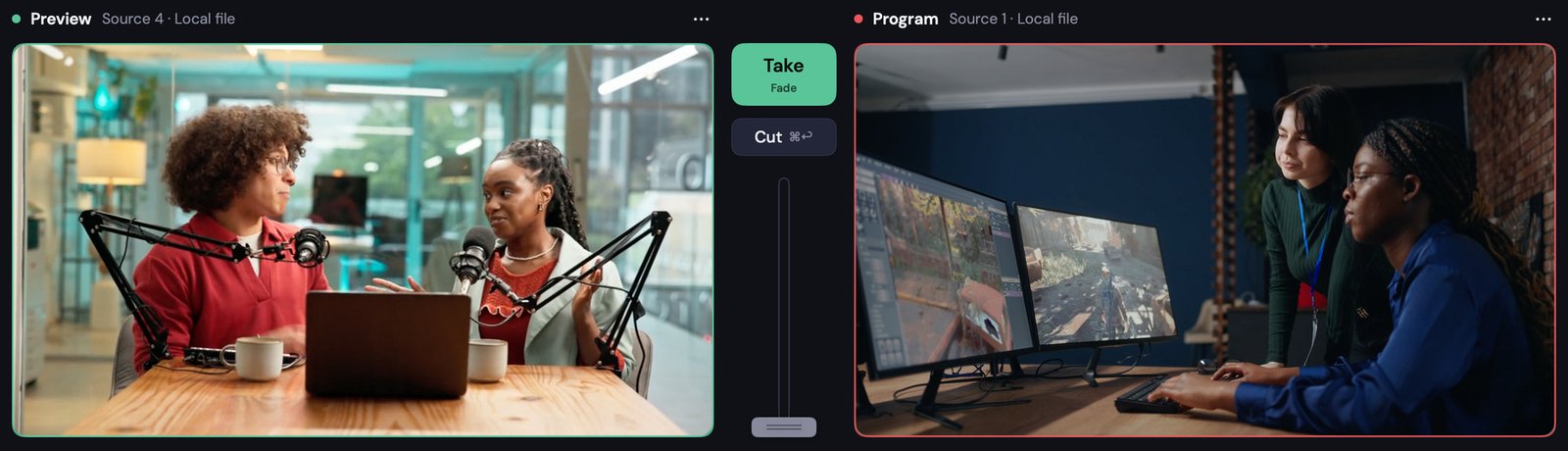
- Preview, then Take
- One upload after the mix
Stream once. Reach everywhere.
Free plan, no card. The same dashboard for a class, a show, a game or a launch.