

Put your live stream on your own site
A white-labelled, responsive player you embed with one snippet. No third-party branding, no player fees. Pro plan.
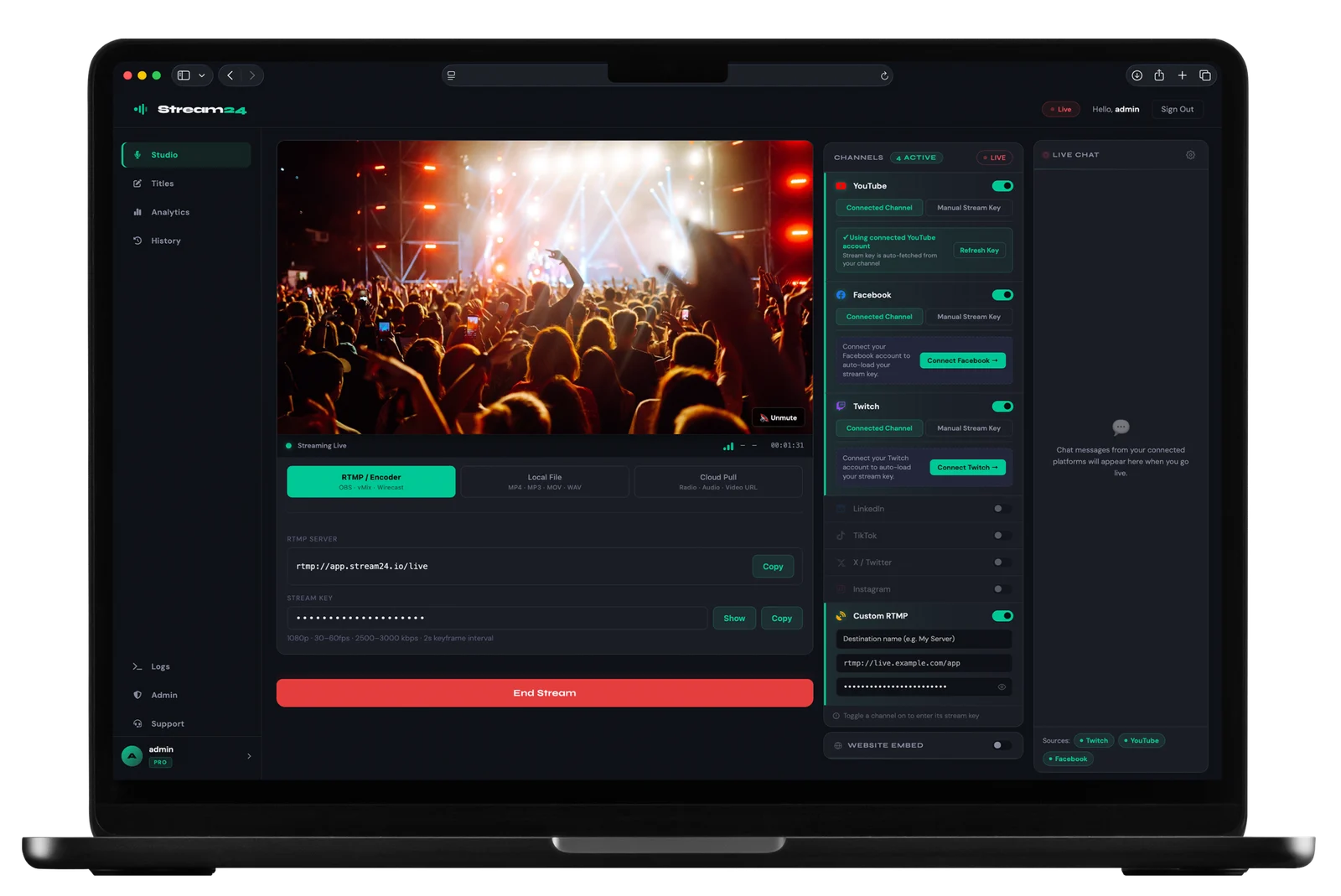
One snippet
Your stream, your brand, your site
Copy a single embed snippet and drop your live player anywhere. Fully responsive, token-secured, and free of third-party branding.
- White-labelled — no third-party logos
- Fully responsive on any device
- Token-based embed key
Great for
Event sites, churches and portals
Keep your audience on your own site instead of sending them to a third-party platform.
How it works
Up and running in three steps
Go live in Stream24
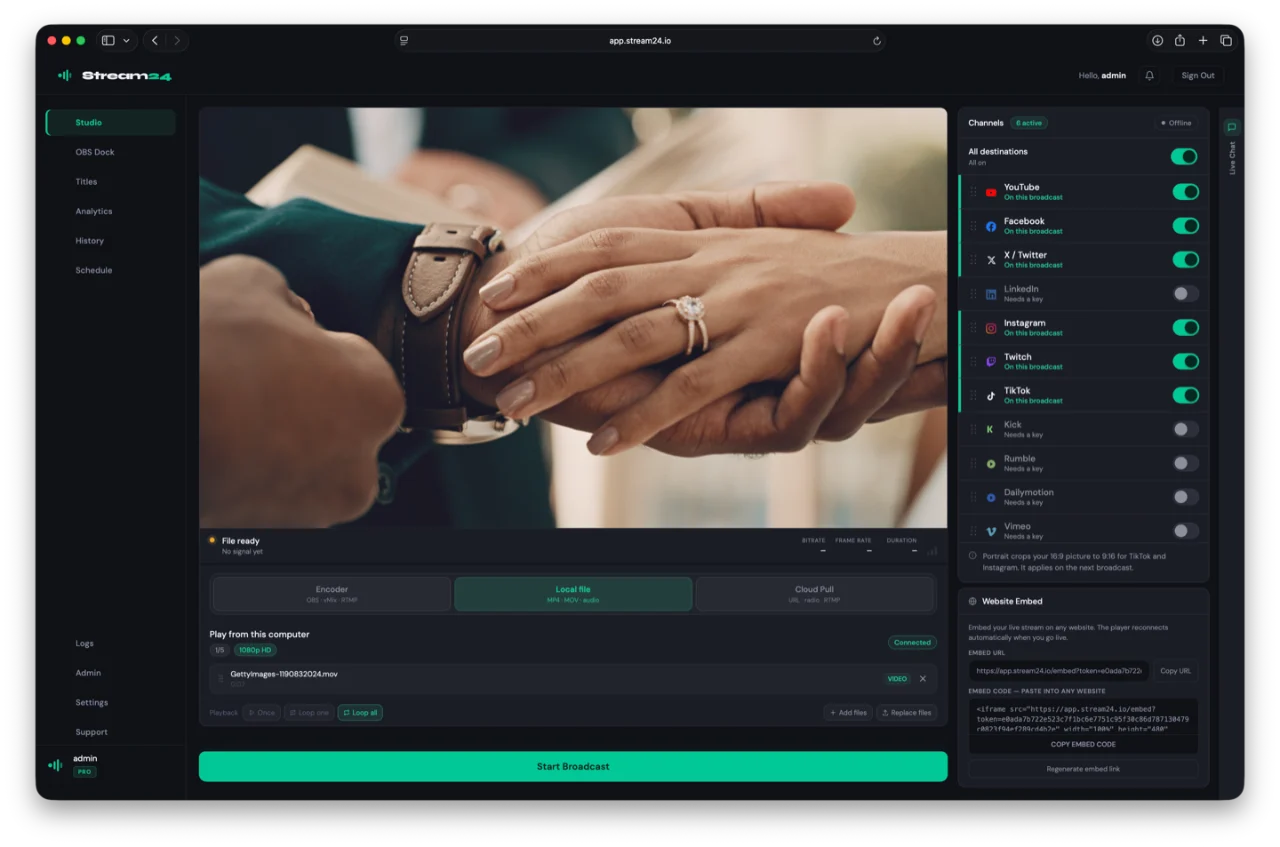
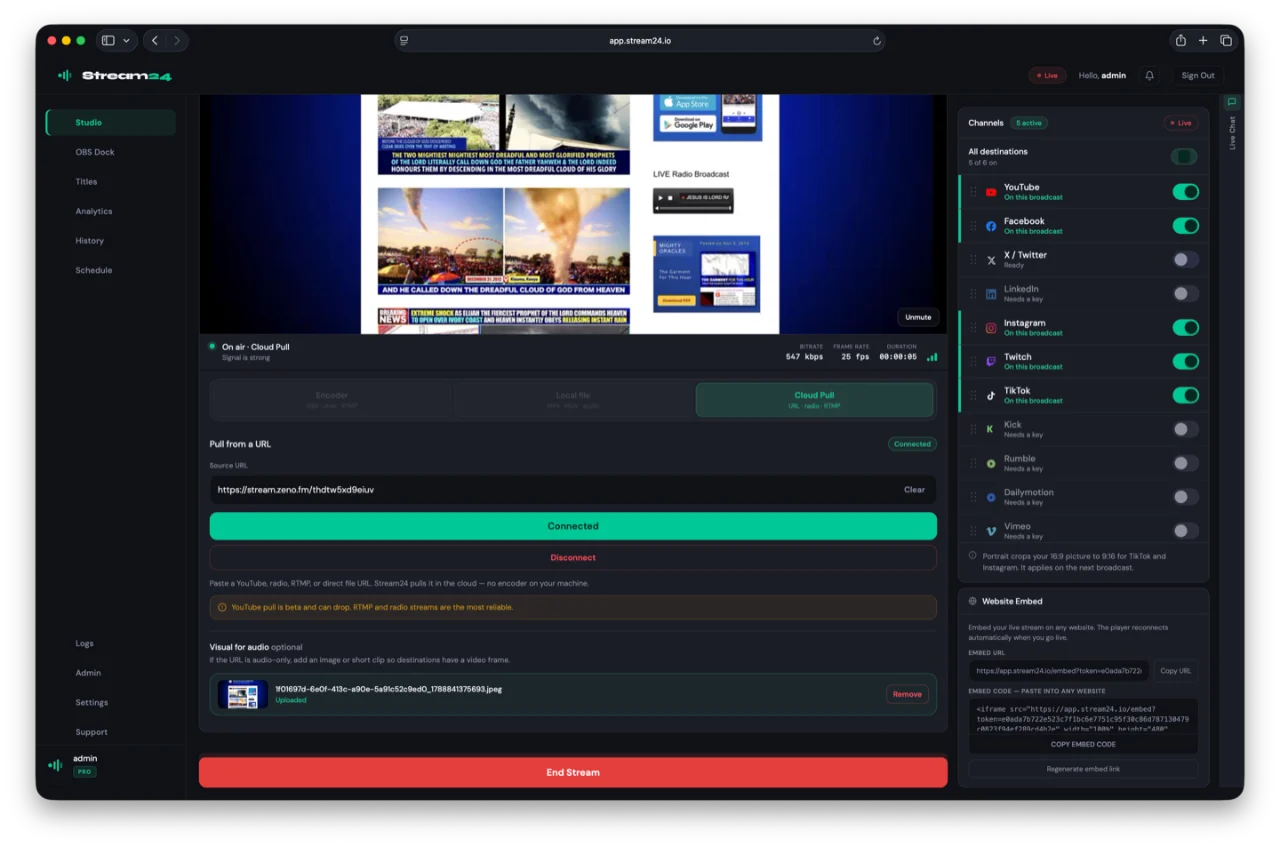
Start your multistream as normal. As long as you're broadcasting, the embed player automatically shows your live content.
Copy your embed snippet
From your Stream24 dashboard, copy the one-line iframe snippet. It includes your token-secured player URL — no third-party branding.
Paste it anywhere
Drop the snippet into any webpage, WordPress site, Webflow, or CMS. The player is responsive and works on desktop, tablet, and mobile automatically.
New · Stream24 Studio for Mac
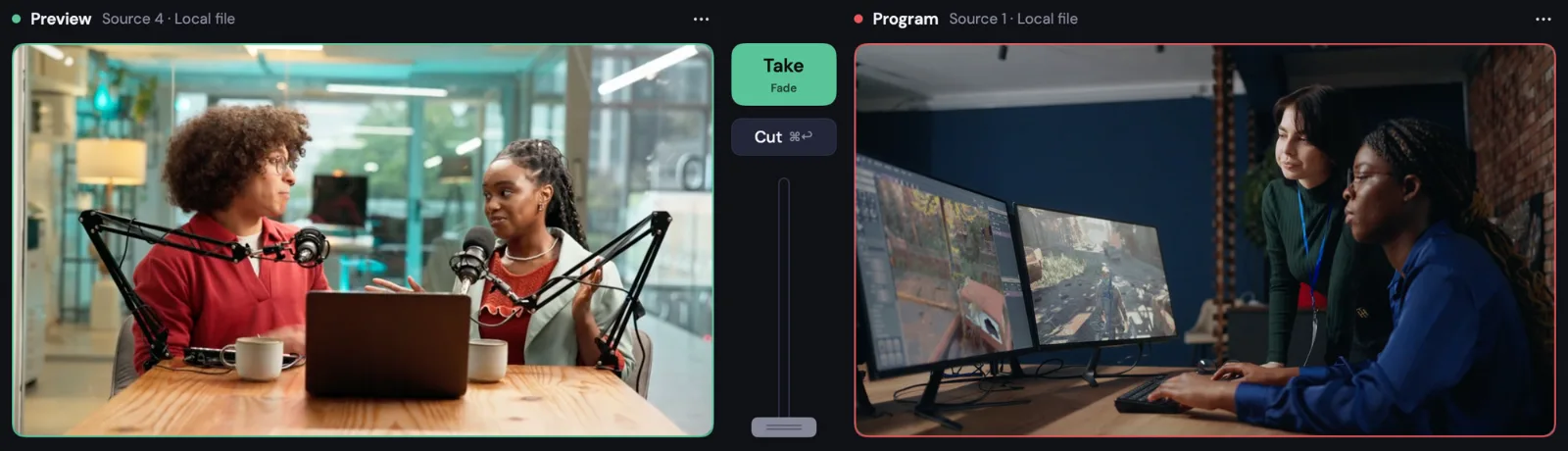
Want to produce your stream first?
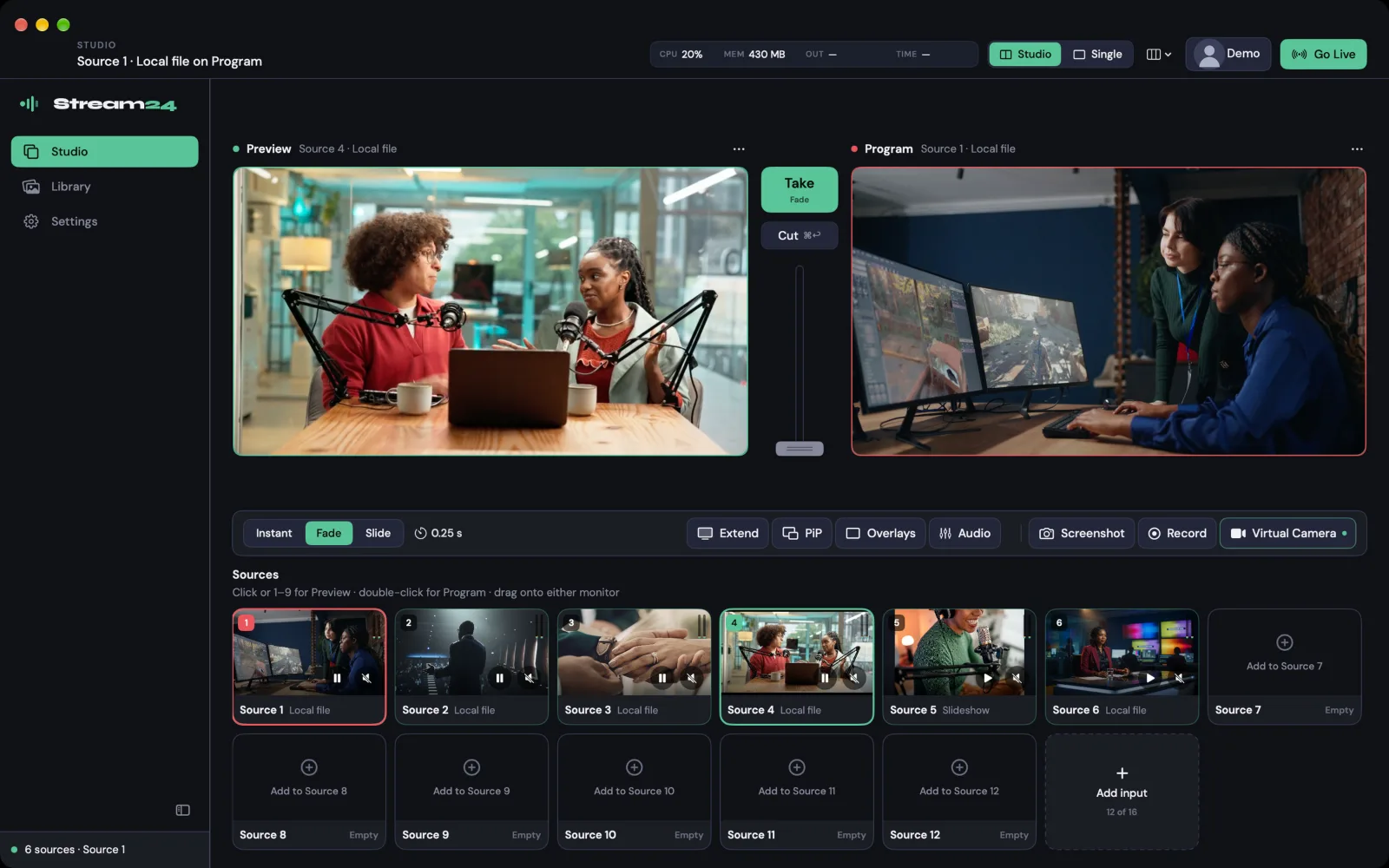
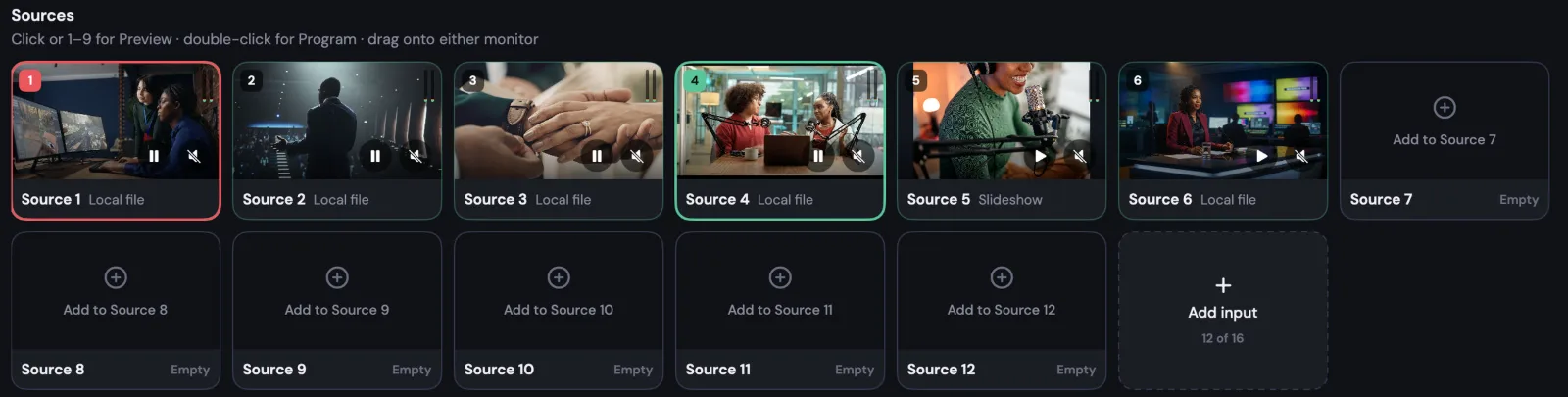
Switch cameras, screens and graphics on your Mac, then send the finished show through Stream24 to every platform.
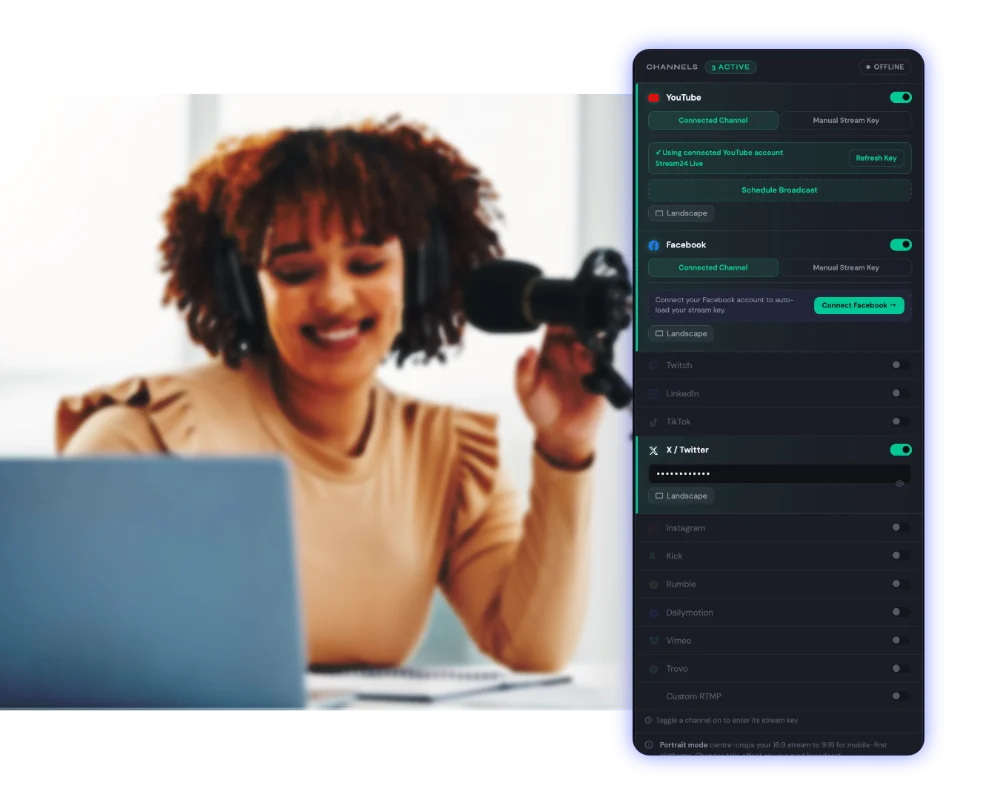
Supported Platforms
Stream to every major platform simultaneously
Embed Player is just one of 13 platforms Stream24 supports simultaneously — one dashboard, every audience, zero complexity.
Ready to go live everywhere?
Start free — no credit card, no setup fee. Upgrade when you're ready.