Skip to content
Stream24

Every Stream24 plan now includes Studio, OmniDownload and Share for Mac — at no extra cost.

See what's new

GuideMultistreaming

Connect your streaming channels

Add YouTube, Facebook, Twitch, TikTok and other platforms to Stream24 once, either by signing in or by pasting a stream key, then switch on the ones you want for each broadcast.

2 min read Updated

Steps

  1. Step 1: Open your channels

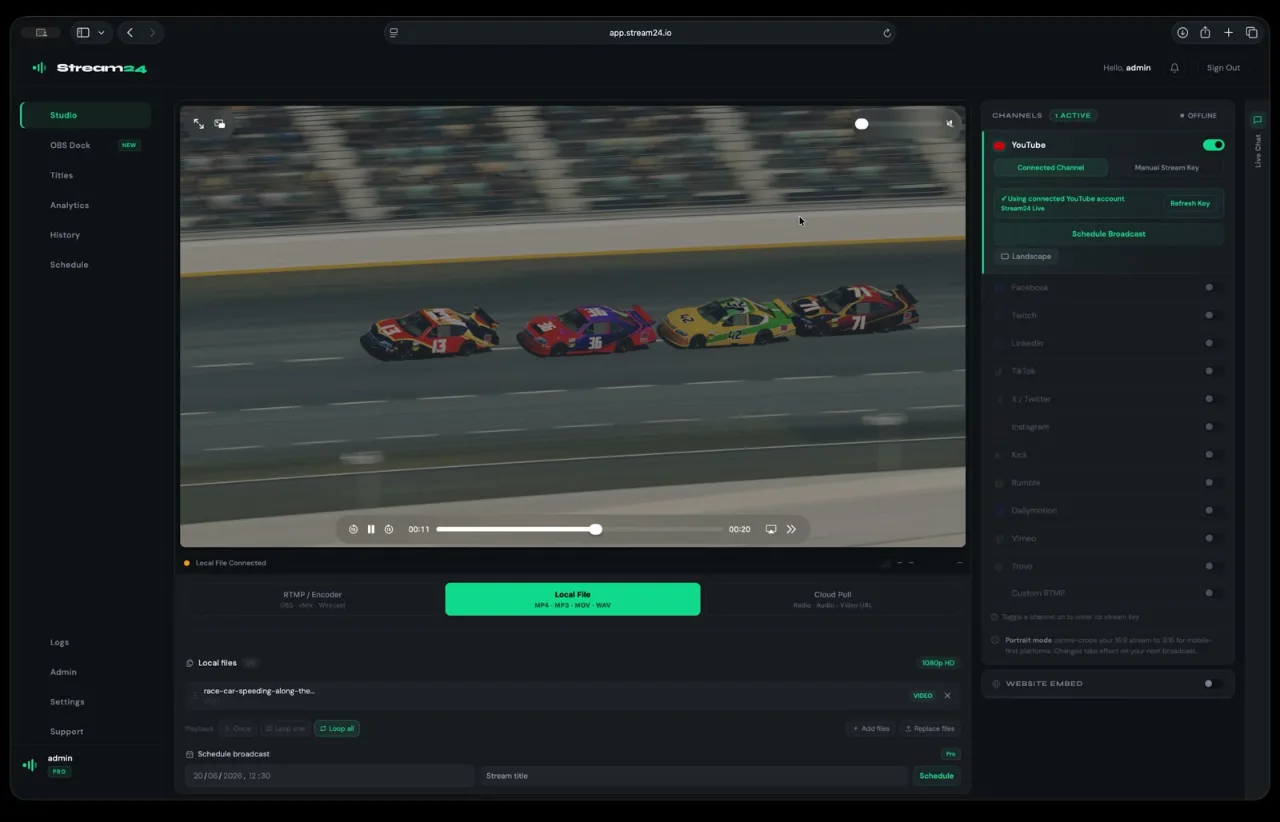
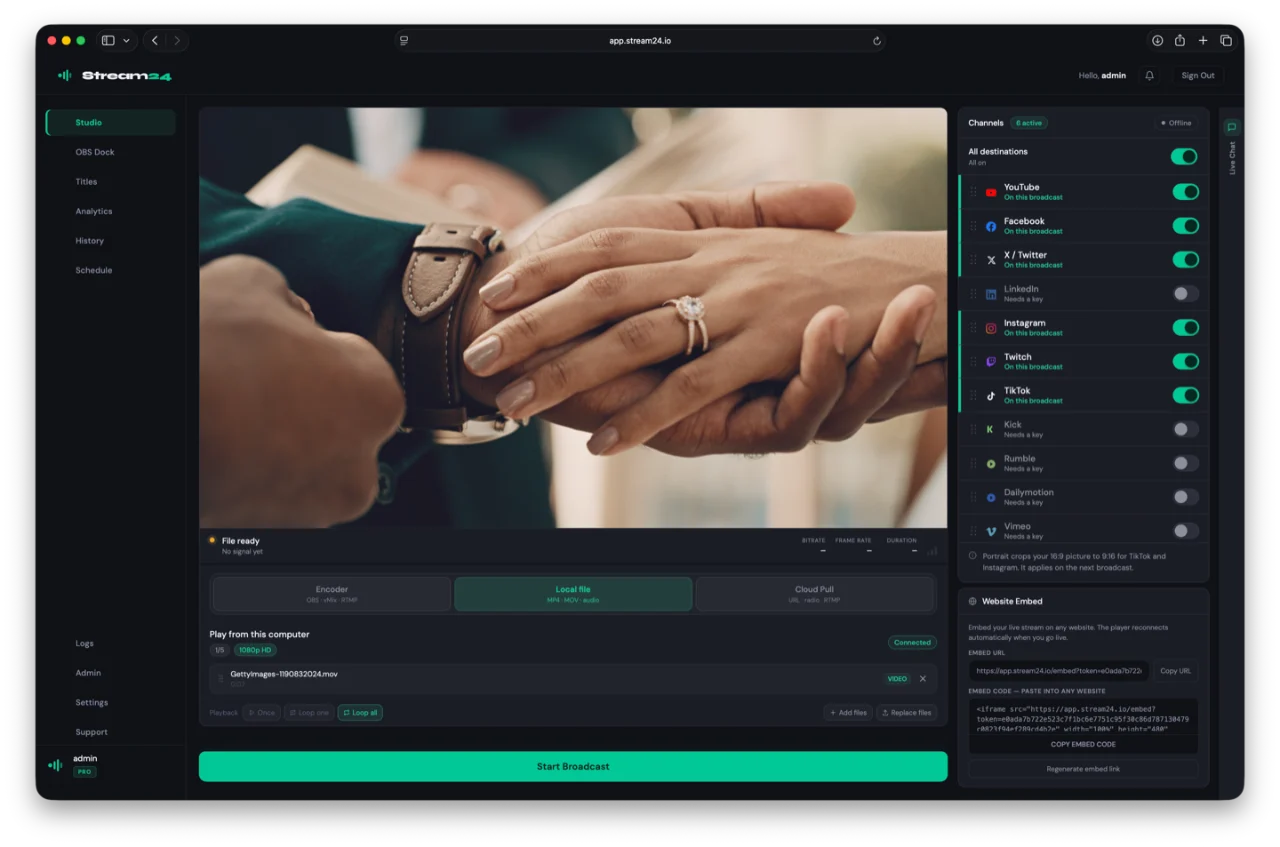
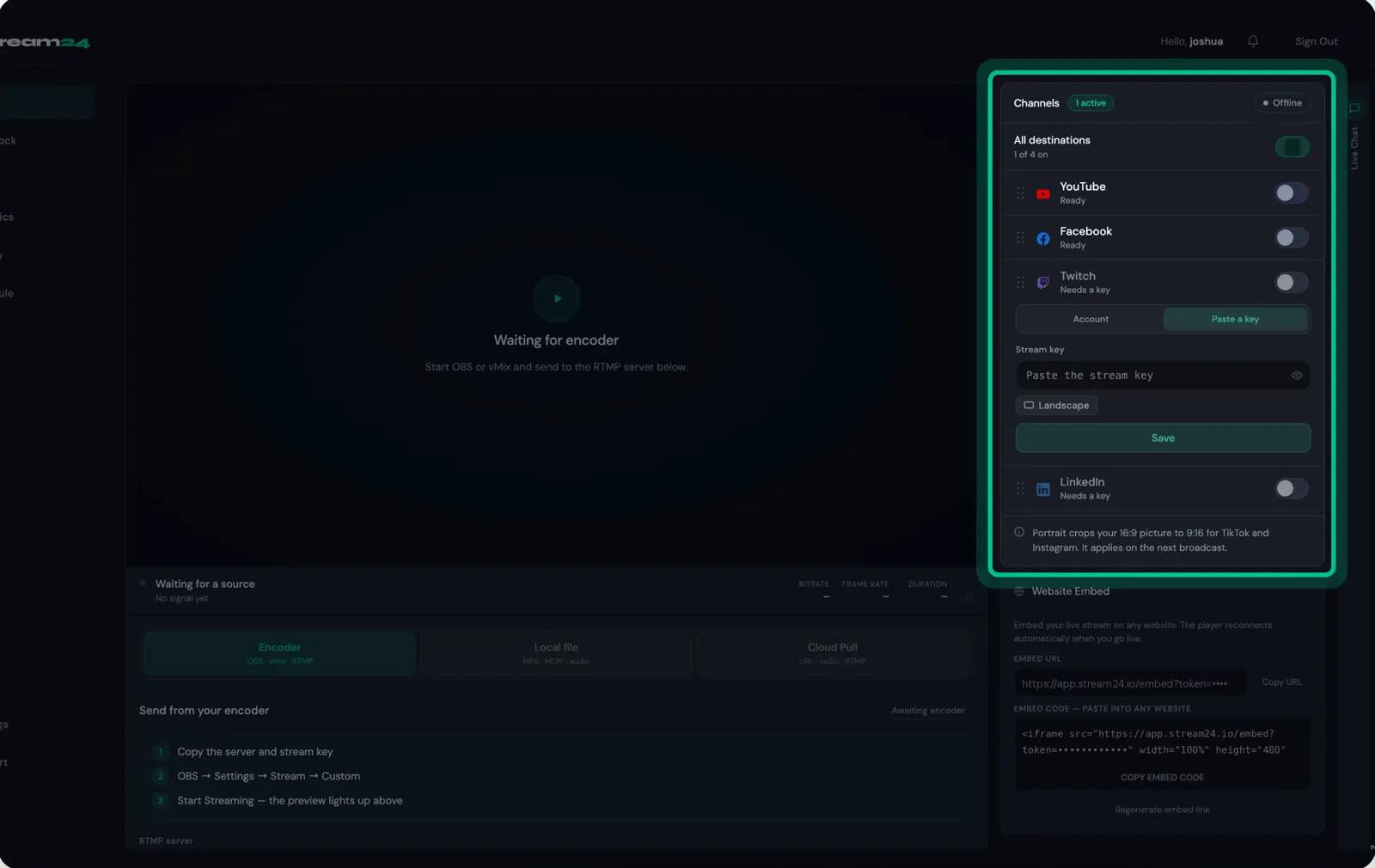
    Sign in at app.stream24.io. Your channels are listed on the right, each with its status: Ready means it is saved, Needs a key means it still needs setting up.

    The Stream24 channel list with YouTube and Facebook marked Ready and Twitch marked Needs a key
    Watch this step1:32
  2. Step 2: Sign in with your account (YouTube, Facebook, Twitch)

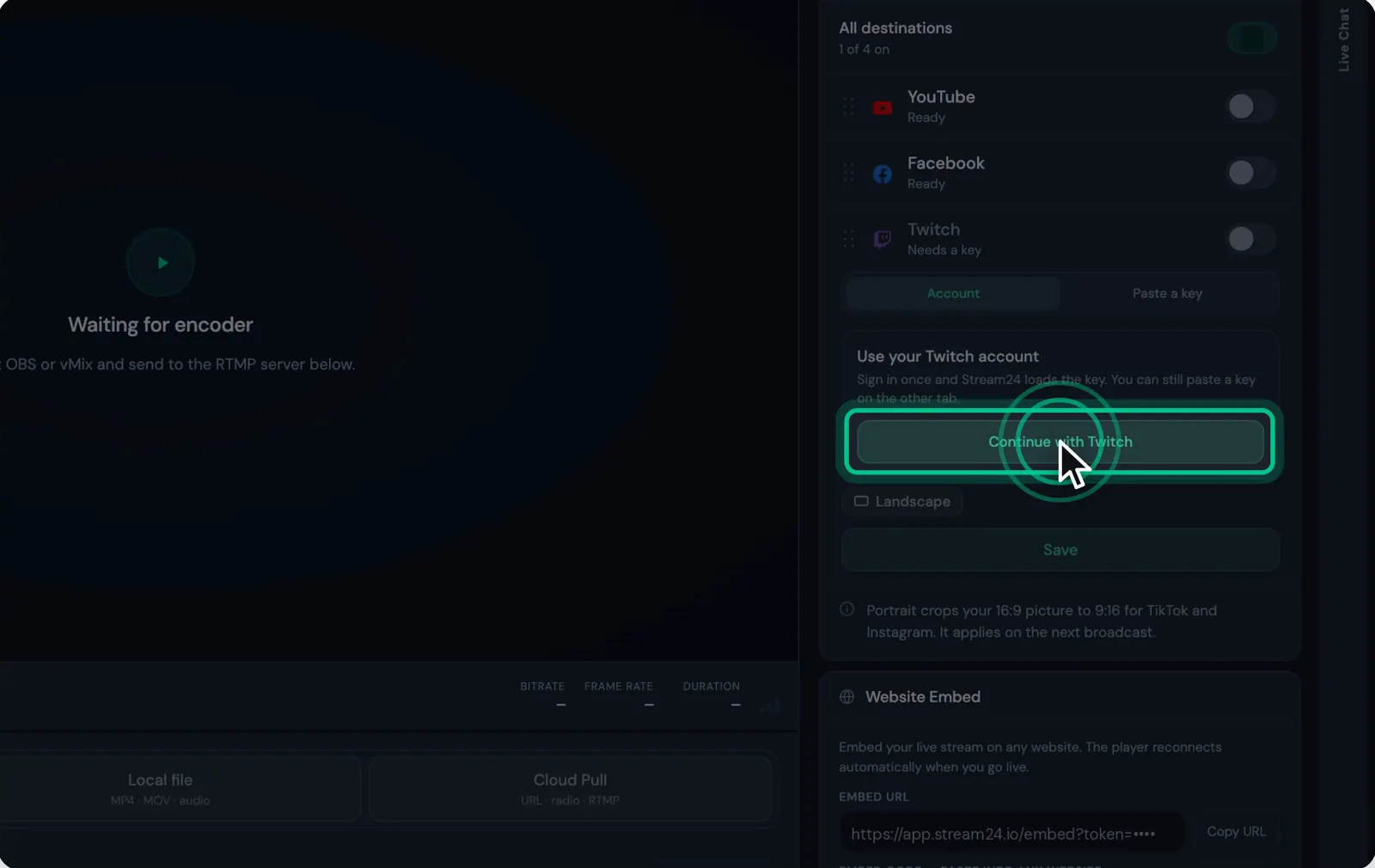
    Click the channel and choose Account, then Continue with the platform. Sign in once and Stream24 loads the stream key for you. You can still paste a key on the other tab.

    A Twitch channel open on the Account tab with the Continue with Twitch button highlighted
    Watch this step1:38
  3. Step 3: Or paste a stream key

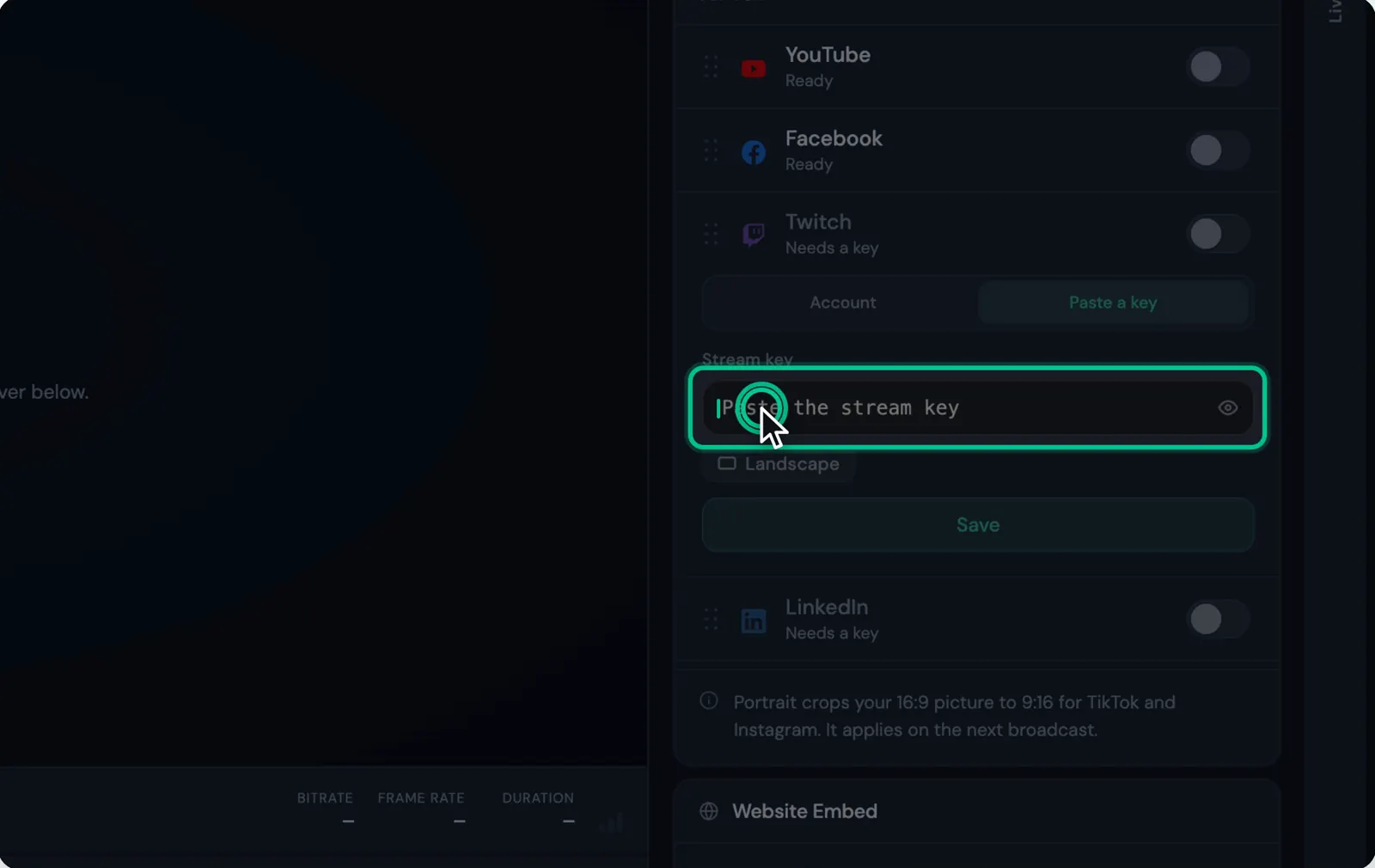
    Choose Paste a key and paste the stream key from the platform's live dashboard. LinkedIn does not use a shared key: in LinkedIn, create a live event, choose Streaming Software and paste the full RTMP URL. Kick, Rumble, Dailymotion, Vimeo and Trovo each show where to find their key when you open them.

    A channel open on the Paste a key tab with the key field highlighted
    Watch this step1:46
  4. Step 4: Click Save

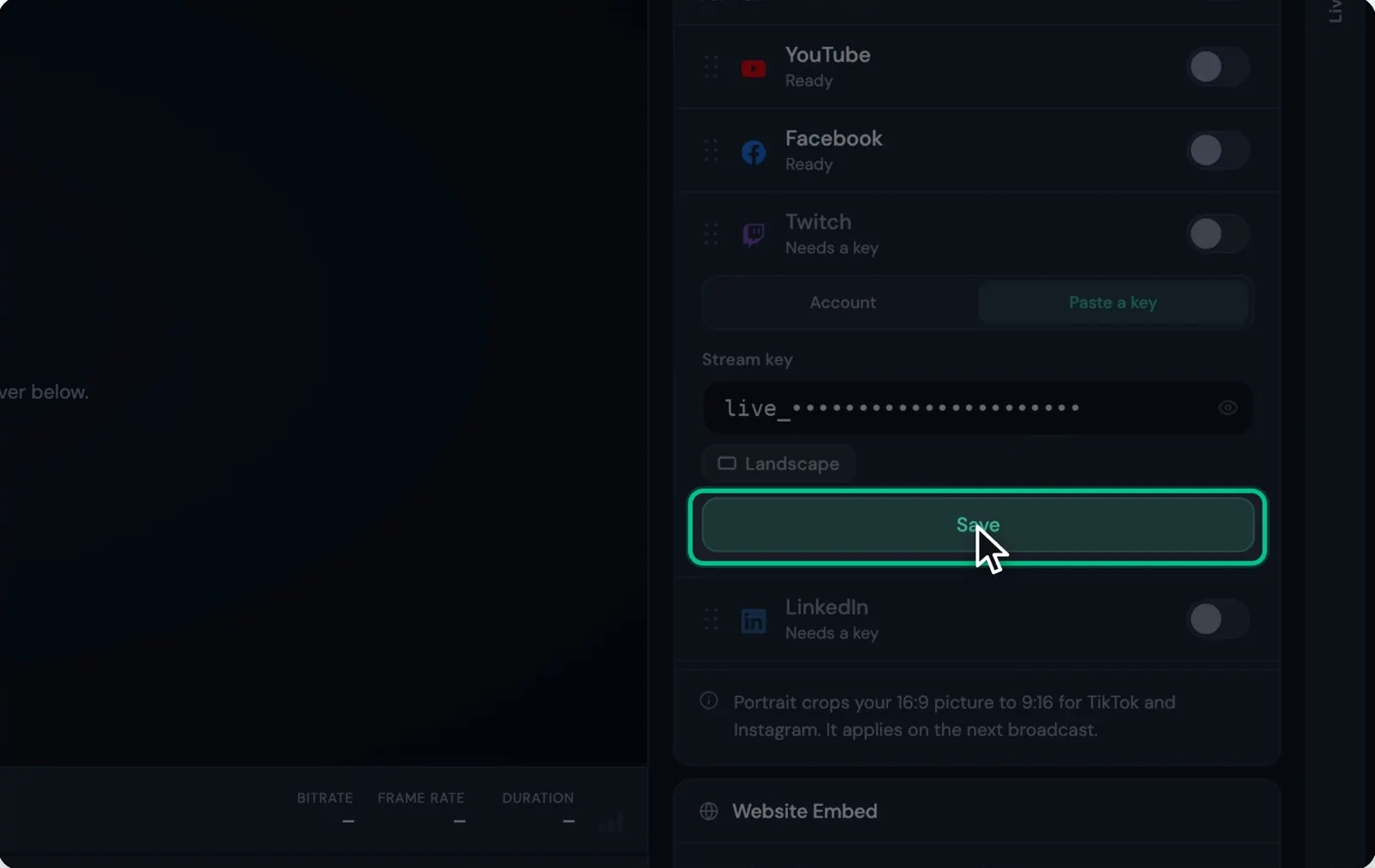
    The channel shows Saved — turn on when ready. TikTok and Instagram are set to Portrait, which crops your 16:9 picture to 9:16; the change applies on the next broadcast.


    The Save button highlighted under a pasted stream key
    Watch this step1:52
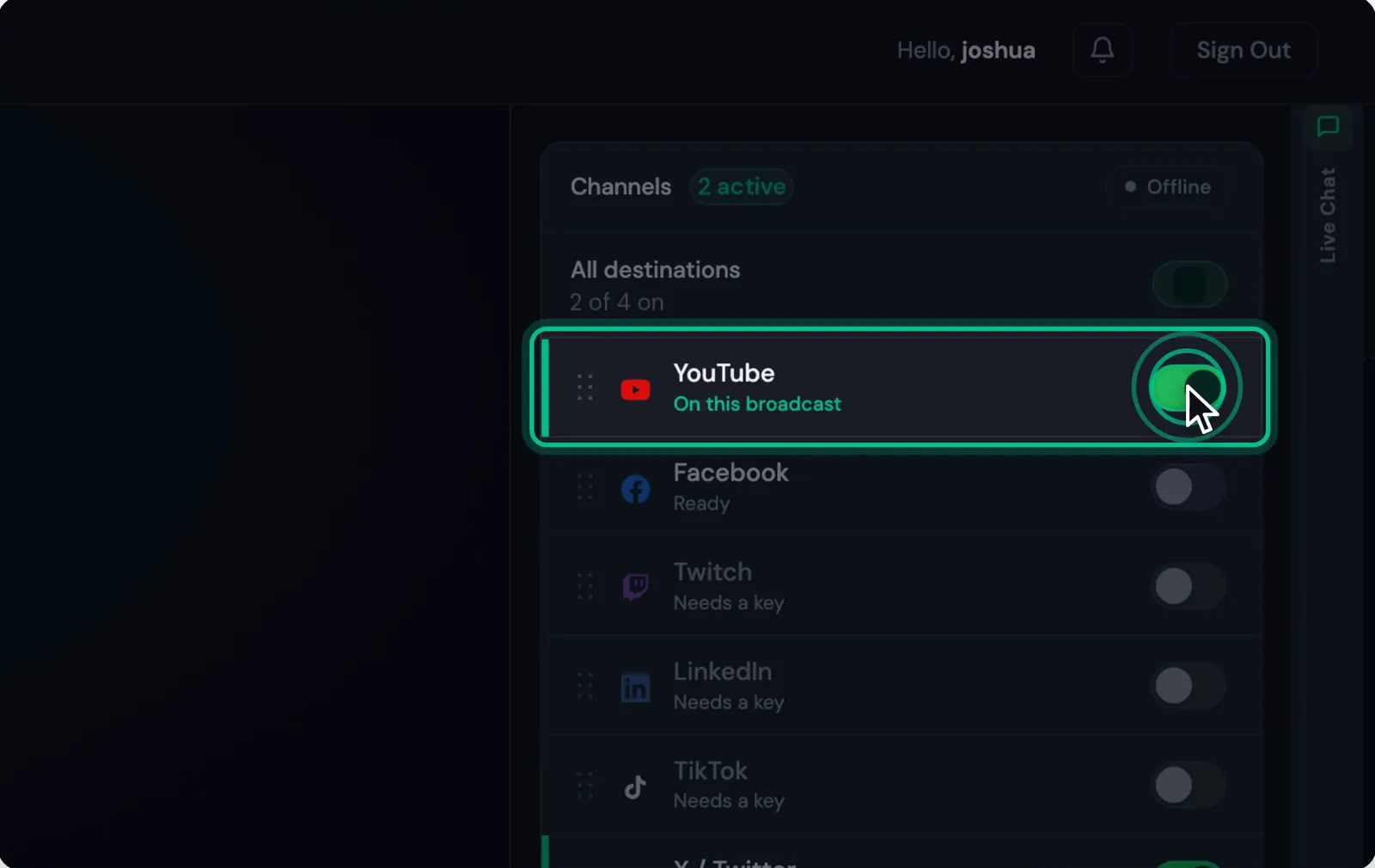
  5. Step 5: Switch on the channels for this broadcast

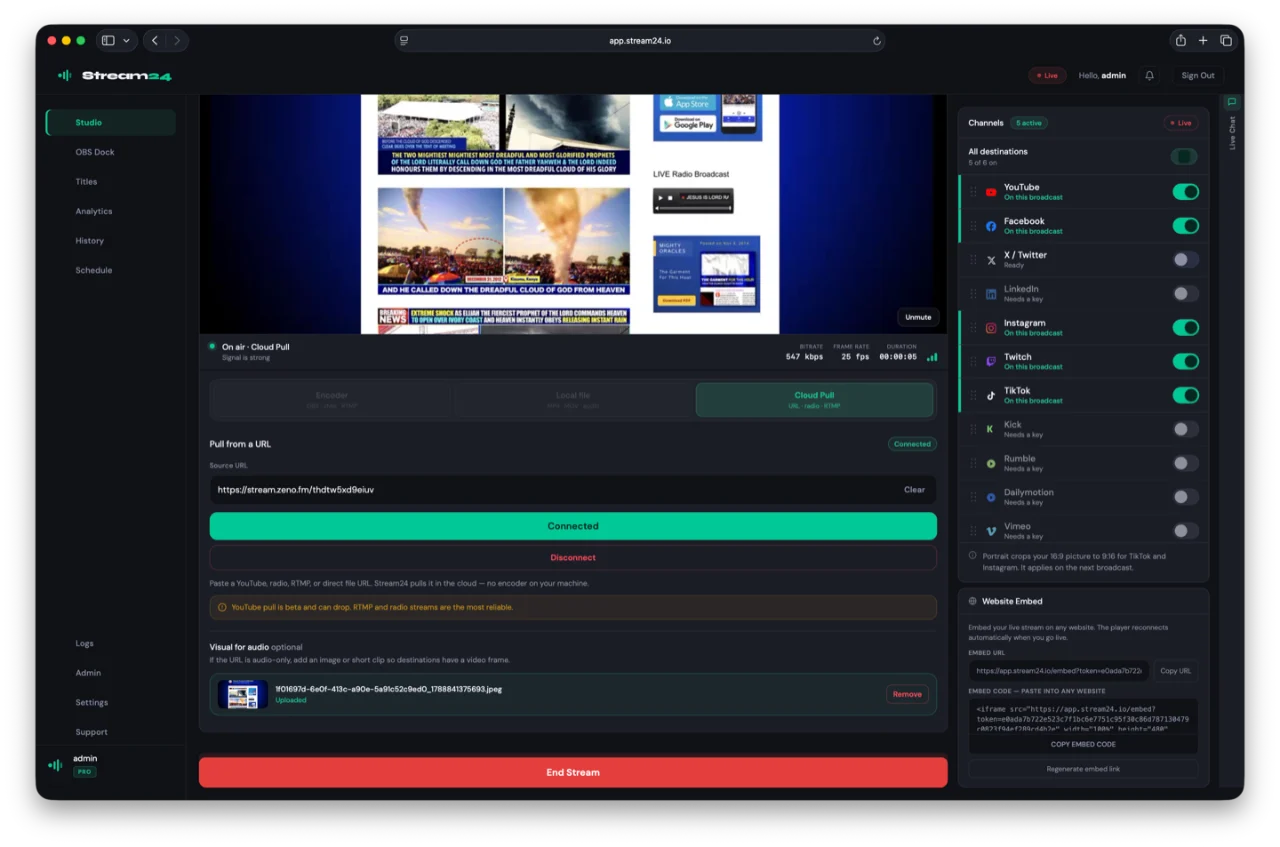
    Turn on each channel you want this time. Your plan sets how many can be on at once: 3 on Free, 5 on Starter, and all 13 plus Custom RTMP on Pro.

    YouTube switched on in the channel list
    Watch this step1:58

Good to know

  • Kick, Rumble, Dailymotion, Vimeo and Trovo are part of Pro.
  • Saved keys are stored encrypted. You do not need to enter them again on another device.
Messages you might see
  • Save a stream key first, then turn this destination on.
  • Your Free plan allows up to 3 destinations. Disable a channel before enabling another.
  • Failed to fetch stream key from Facebook. Try reconnecting your account.
  • Twitch not connected. Please connect your Twitch account.

If this didn’t work

Still stuck?

Tell us what you are trying to do and we will help. We usually reply within one business day.